
How to choose
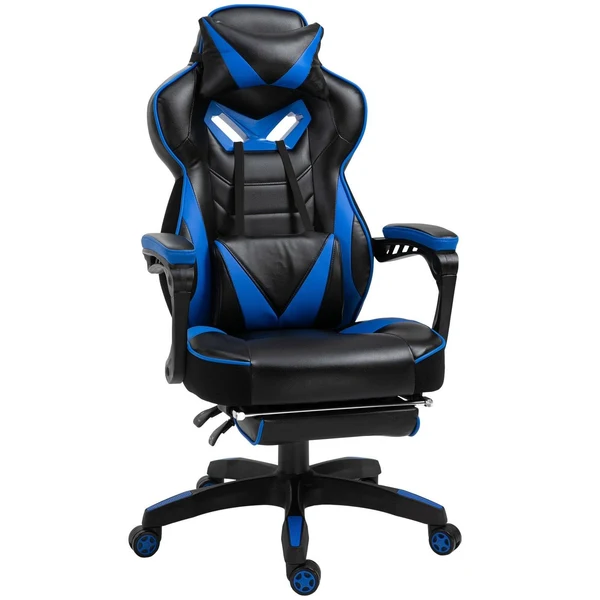
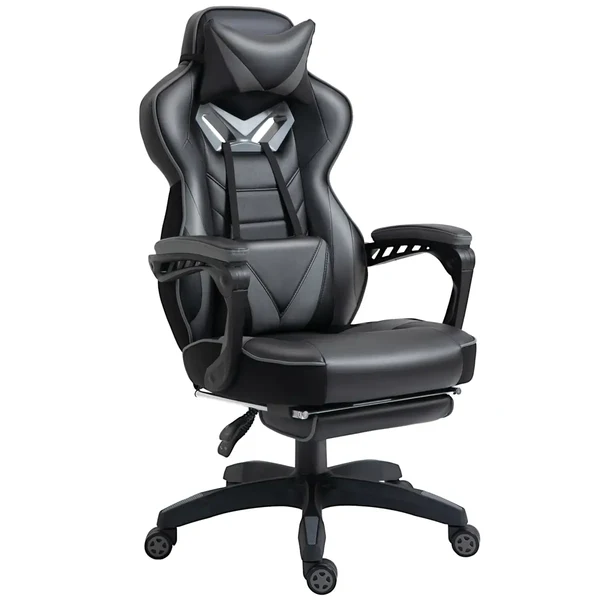
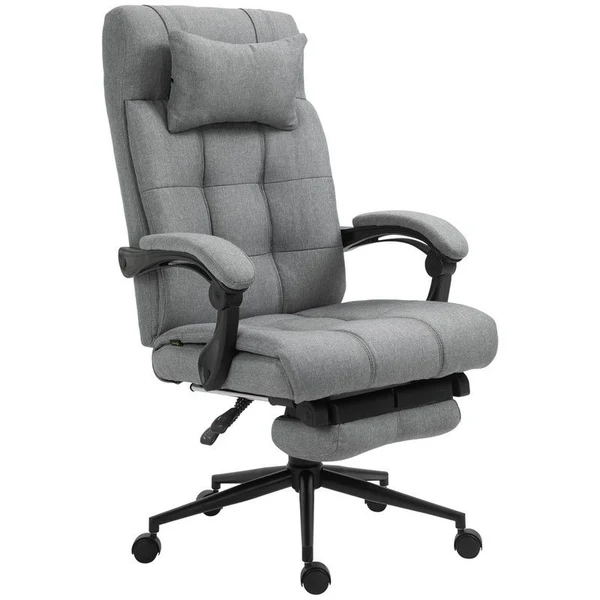
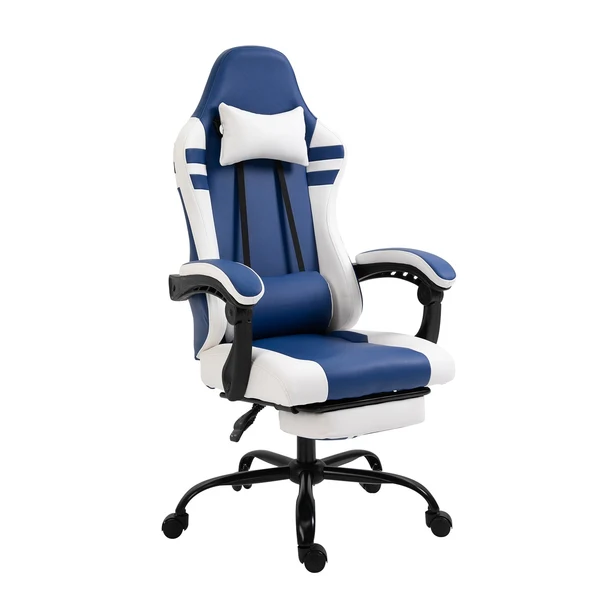
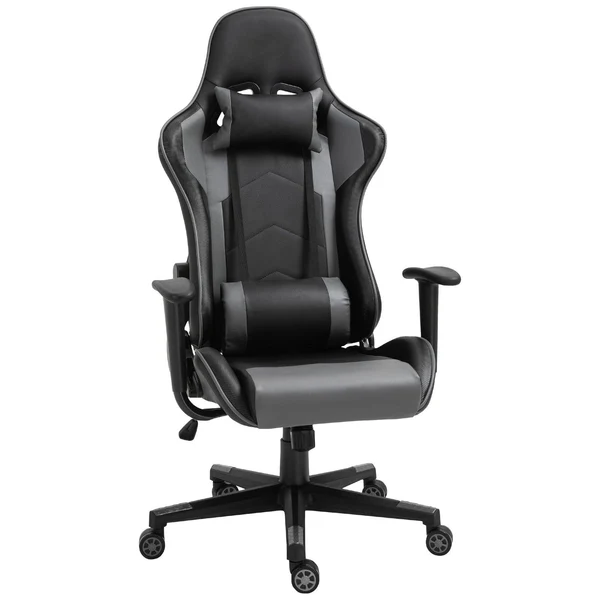
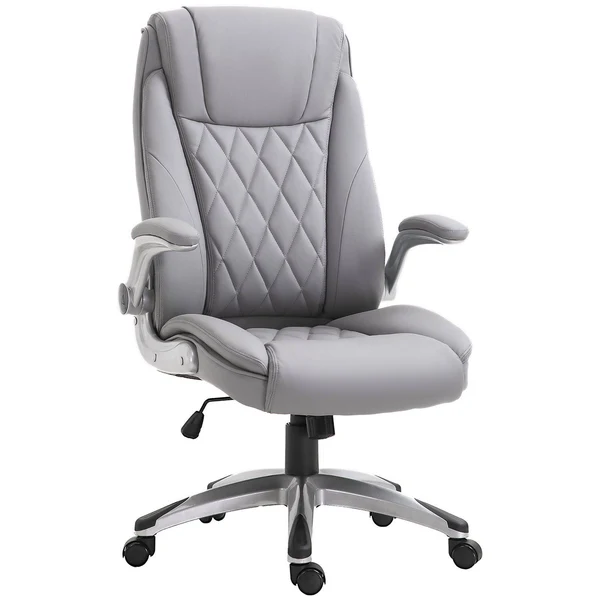
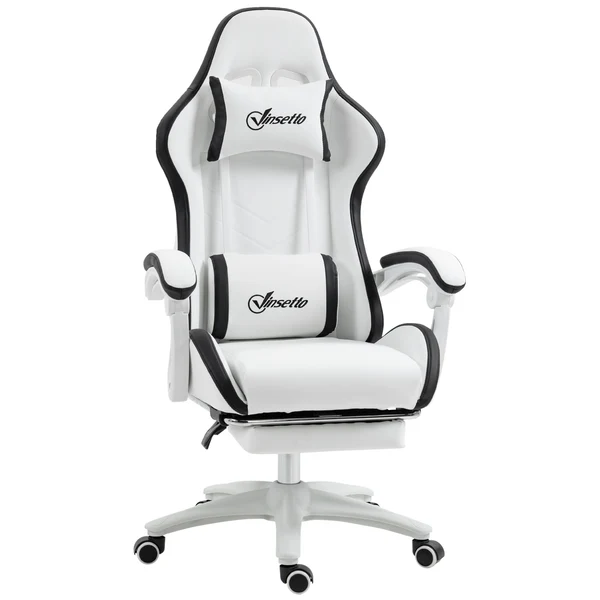
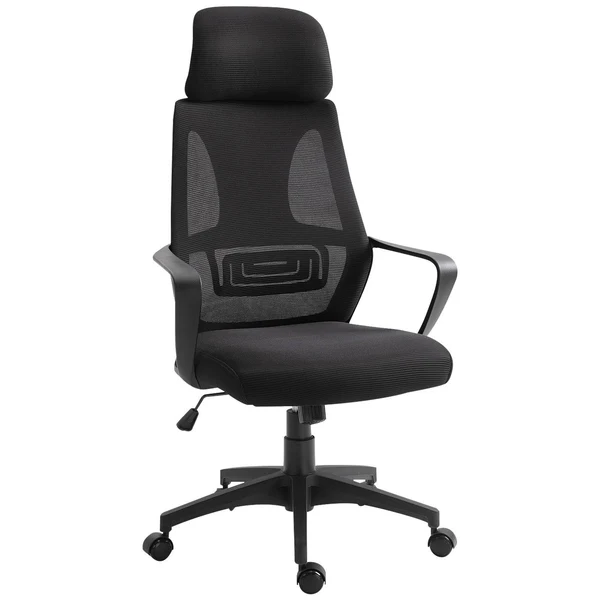
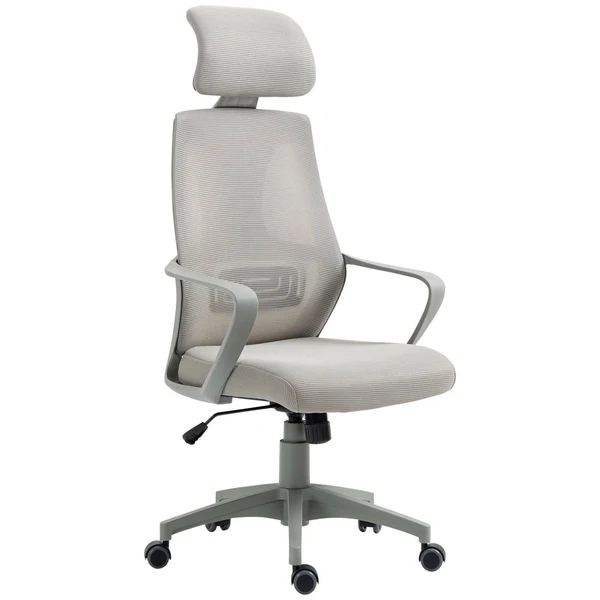
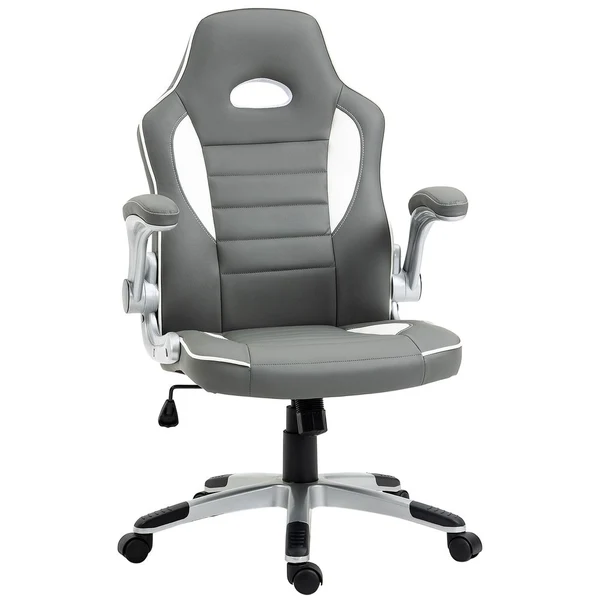
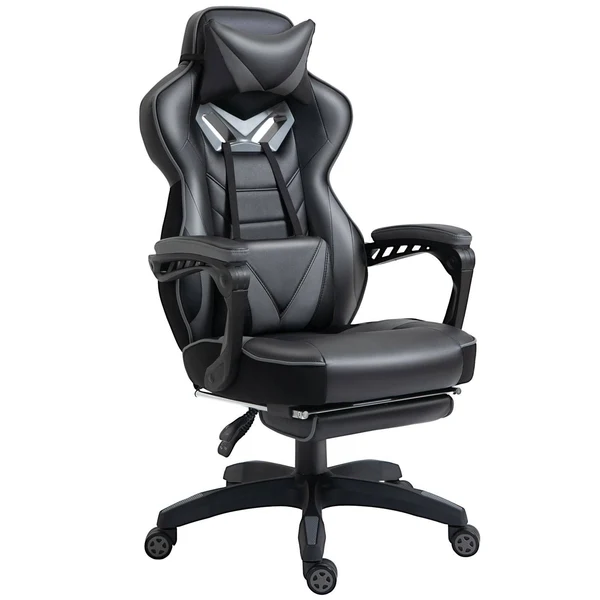
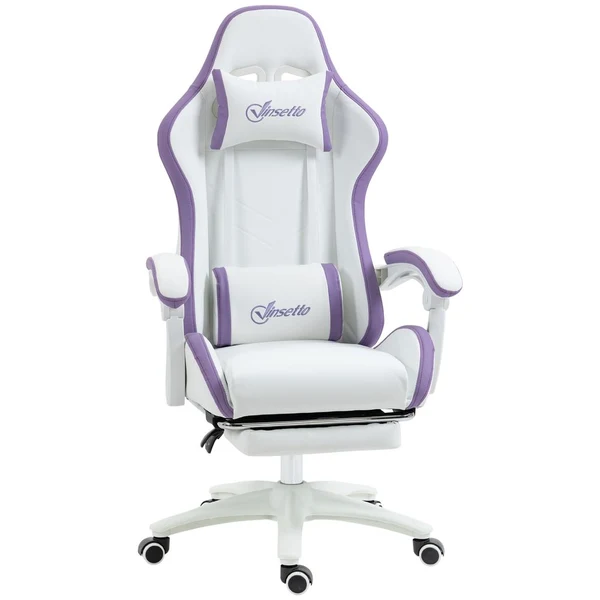
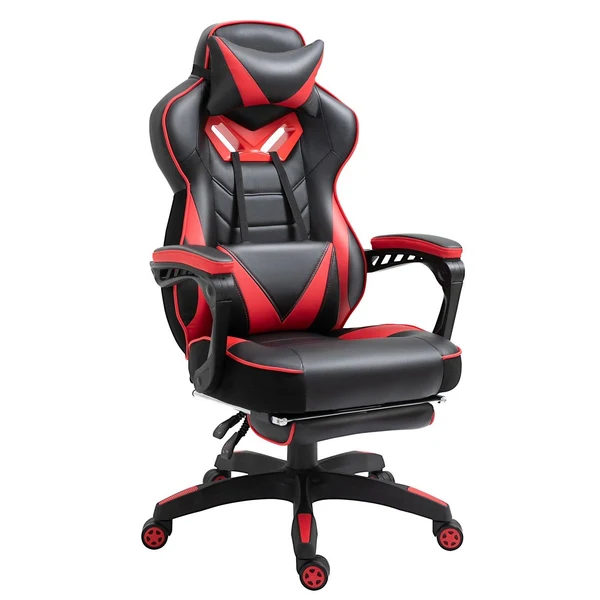
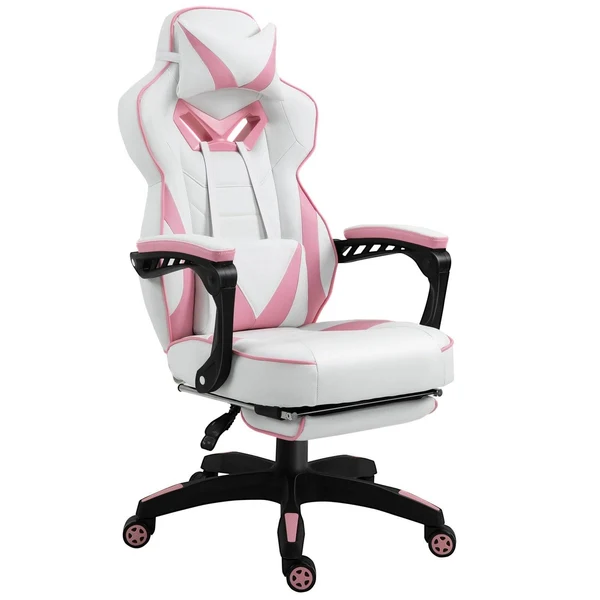
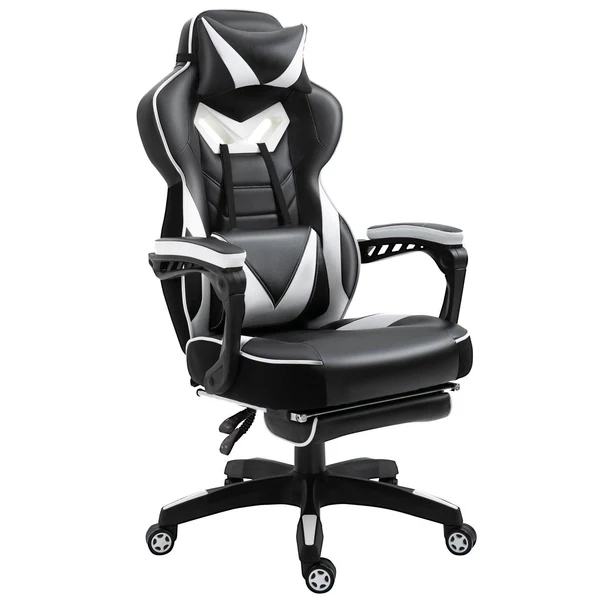
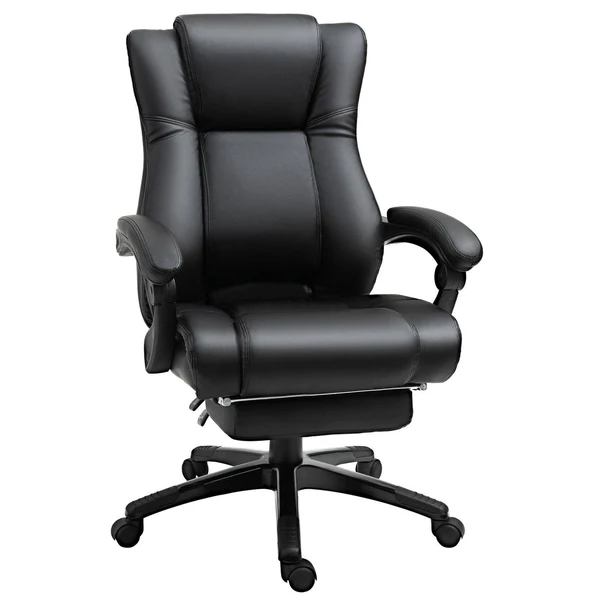
- Seated ergonomics: Pair a high-back reclining chair with a lumbar cushion and under-desk footrest for long evening sessions.
- Switch and sensor feel: Check DPI settings on gaming mice and keycap compatibility for mechanical keyboards before upgrading.
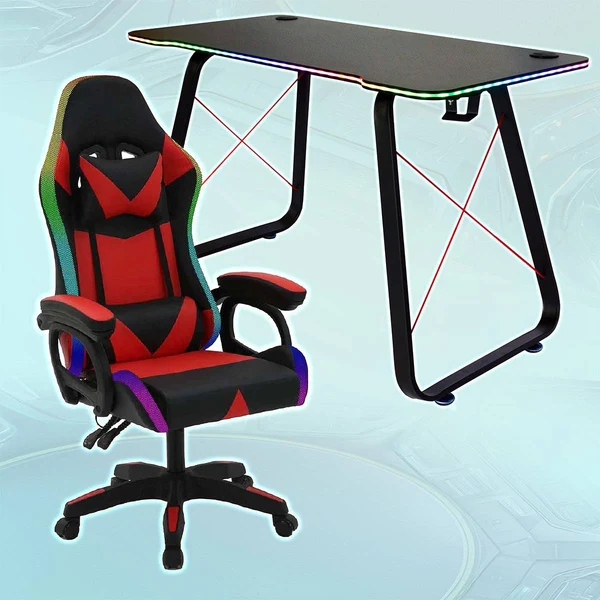
- Desk space and layout: Measure desktop width and corner depth before pairing corner gaming desks with multi-monitor stands and full-size mats.
- Compare a few options side by side on the same points rather than judging each one alone.
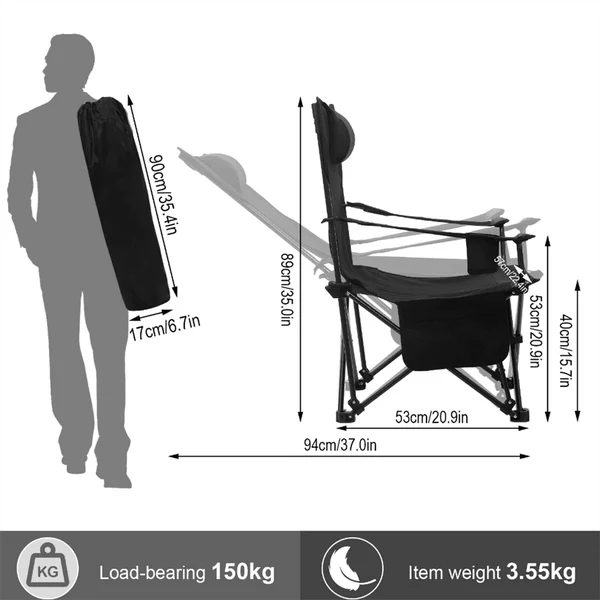
- Check measurements against your space or the person it is for, not the size name alone.
Frequently asked questions
How do I organise power bricks and peripheral cords under a gaming desk?
Mount a monitor riser and route USB hubs and cables neatly behind the rear rail using tidy trays and ties.
What size desk mat fits both a keyboard and a gaming mouse?
Extended mats span the width of a keyboard and mouse pad together so both peripherals sit on one level surface.
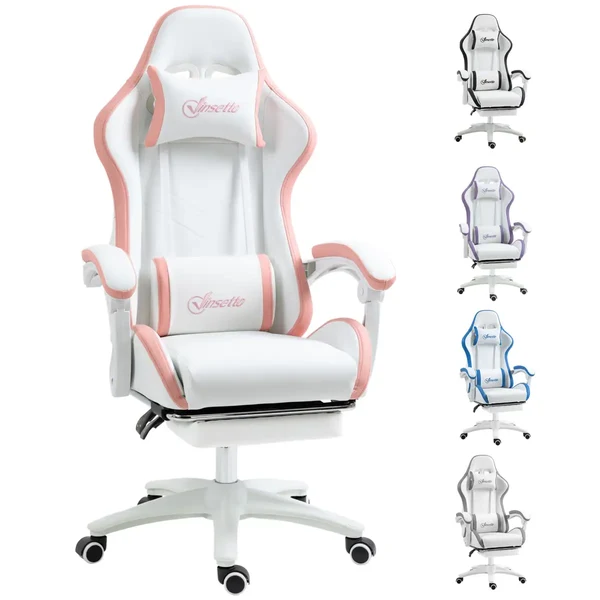
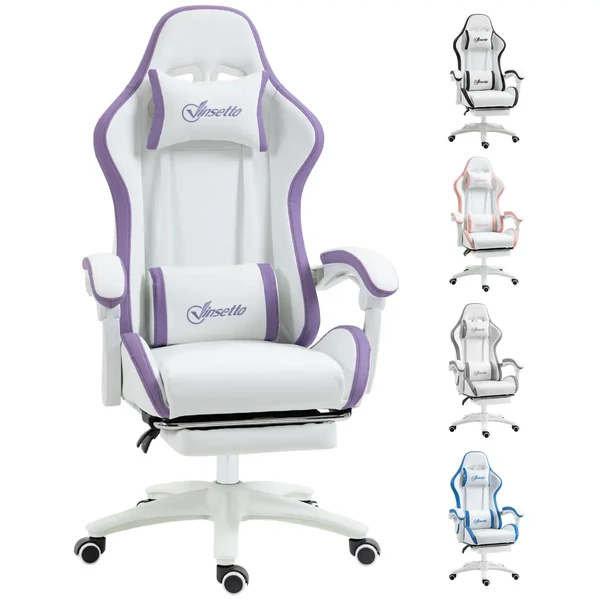
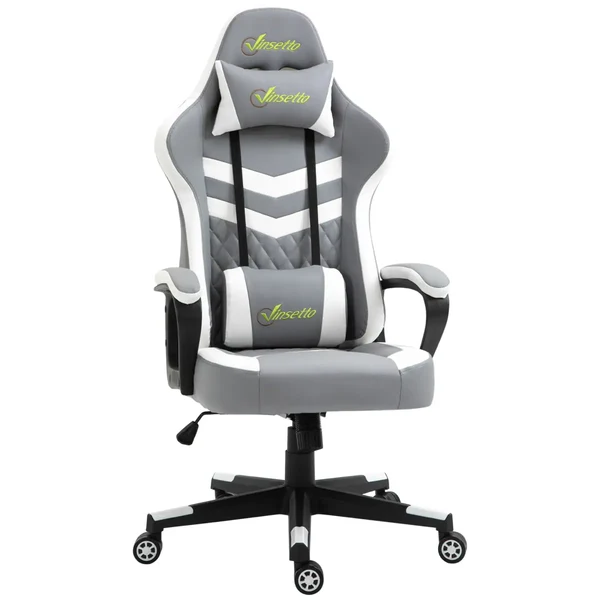
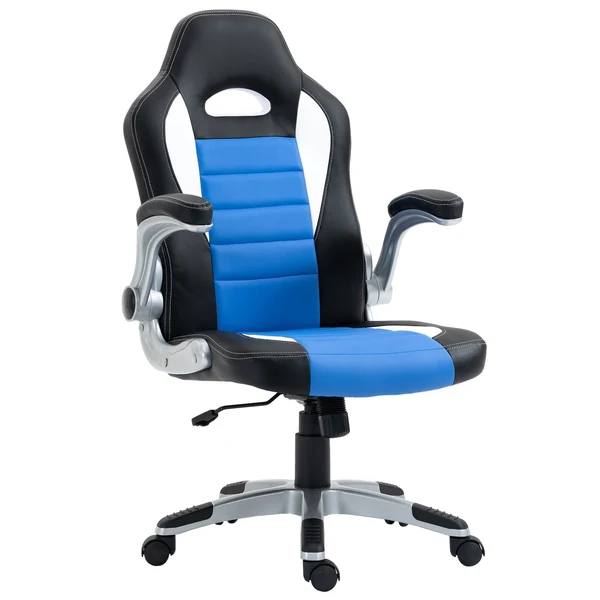
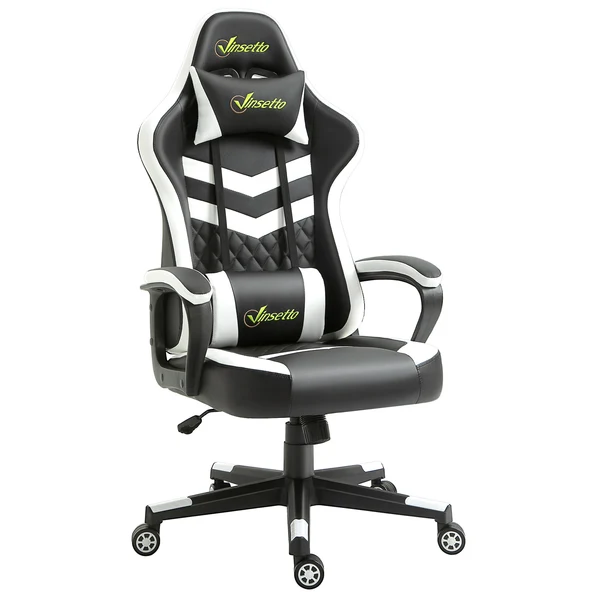
How do the main types of gaming chairs differ?
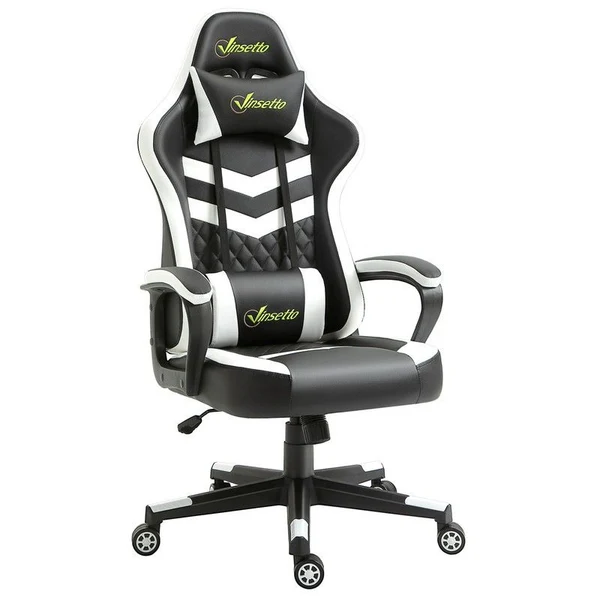
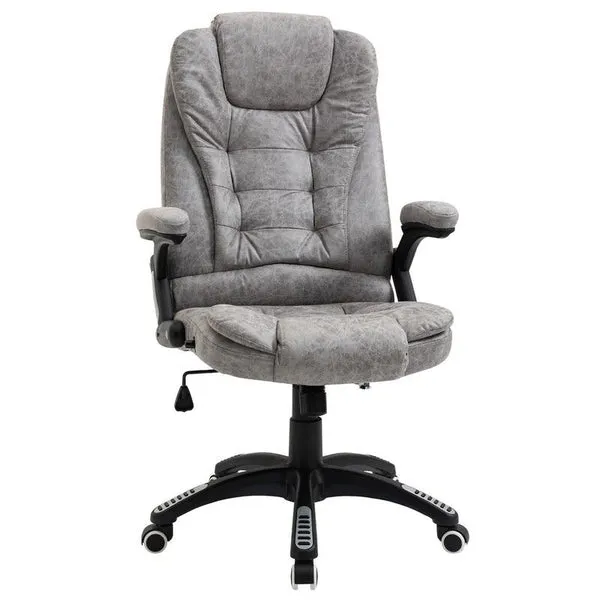
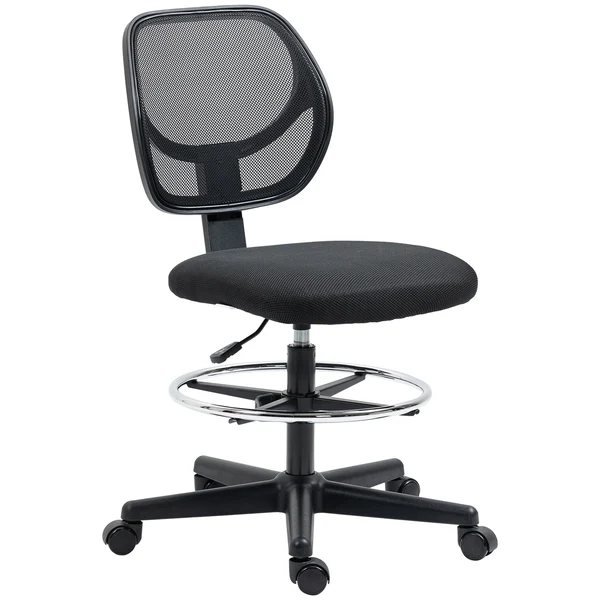
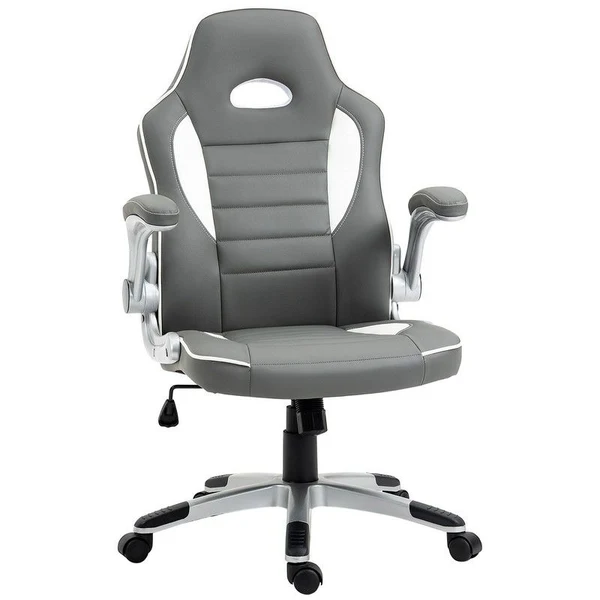
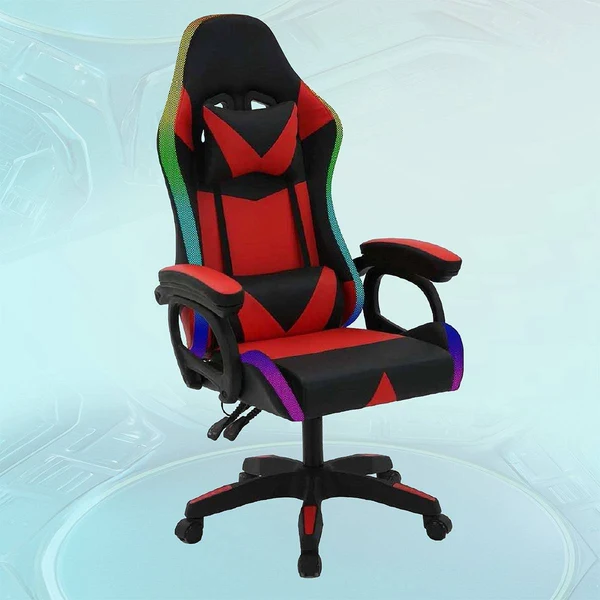
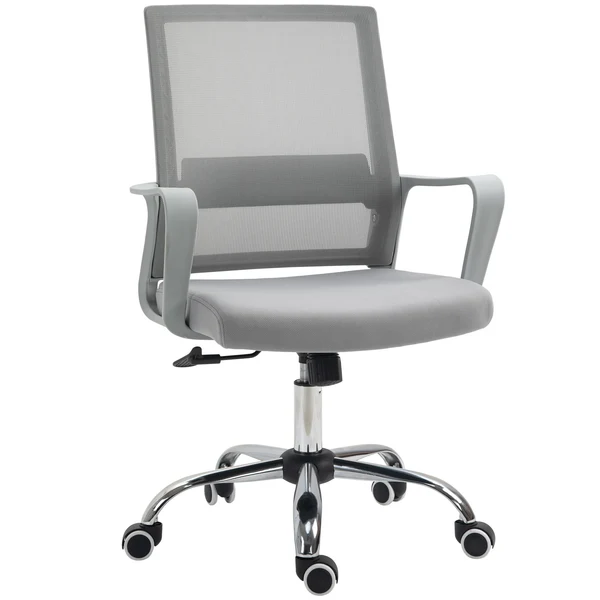
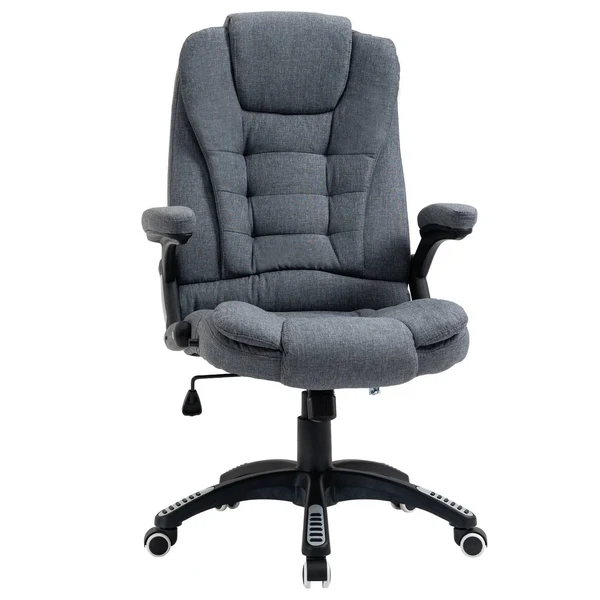
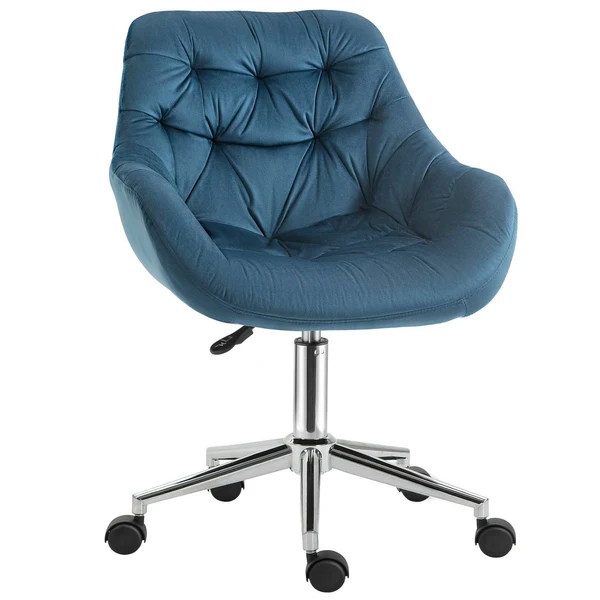
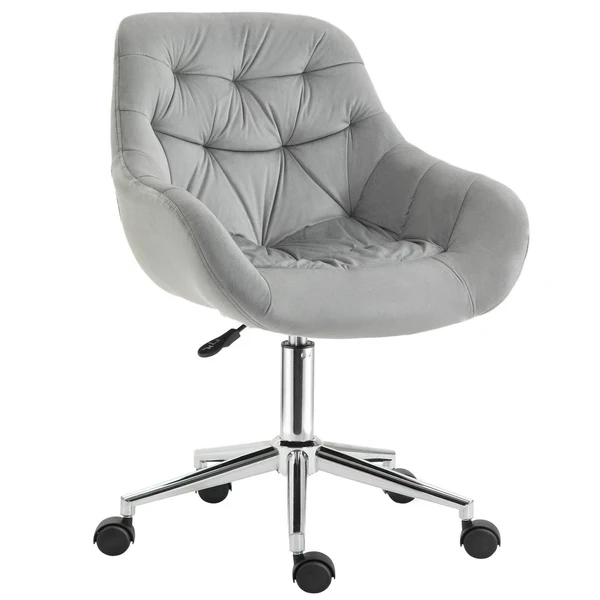
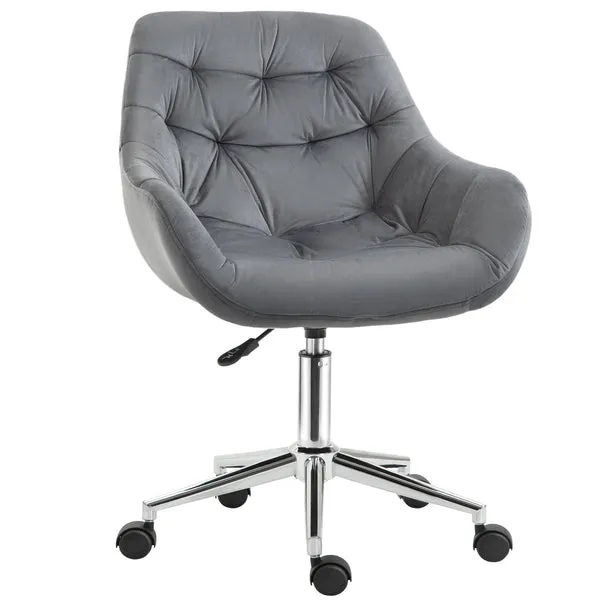
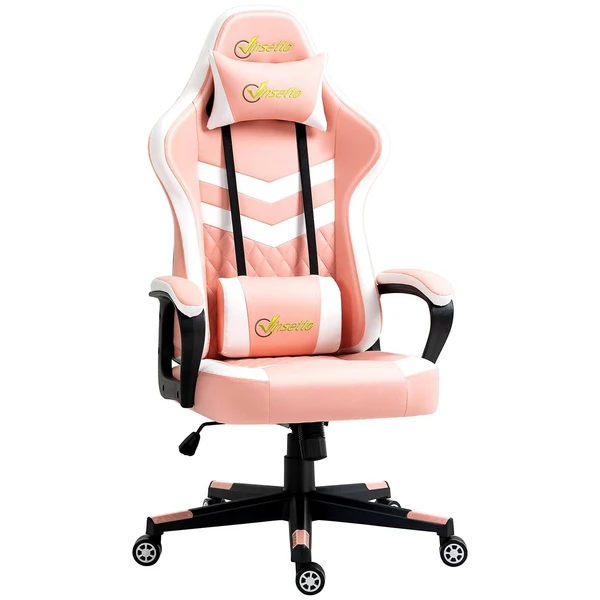
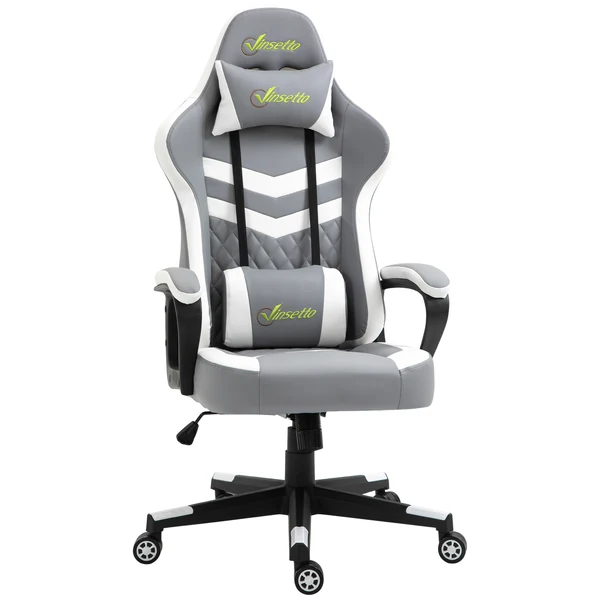
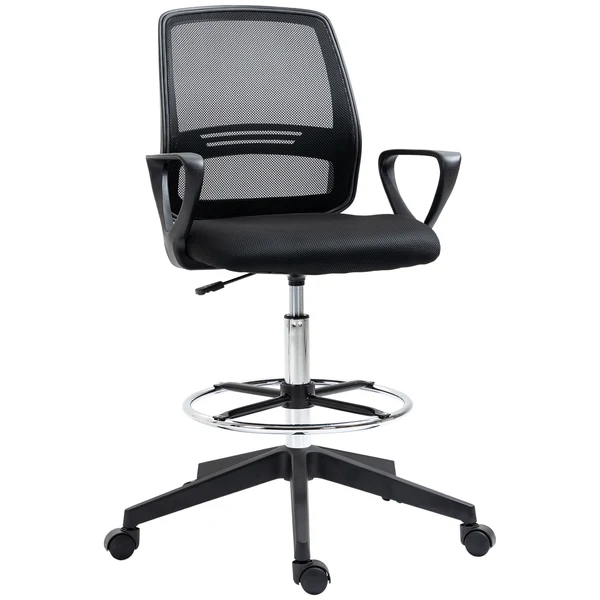
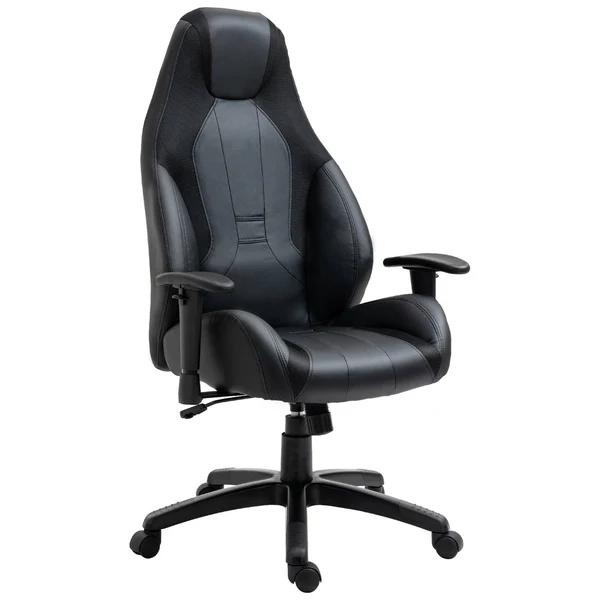
Types of gaming chairs differ in shape, size, material and the job they are designed for, so compare them on those points rather than on the name alone.