





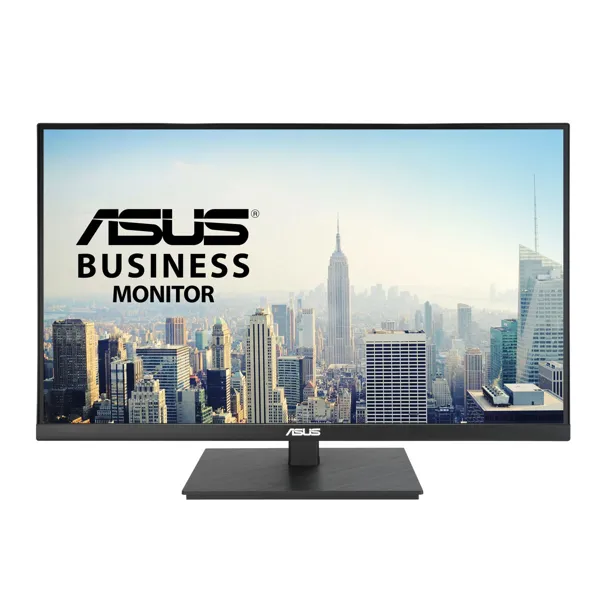
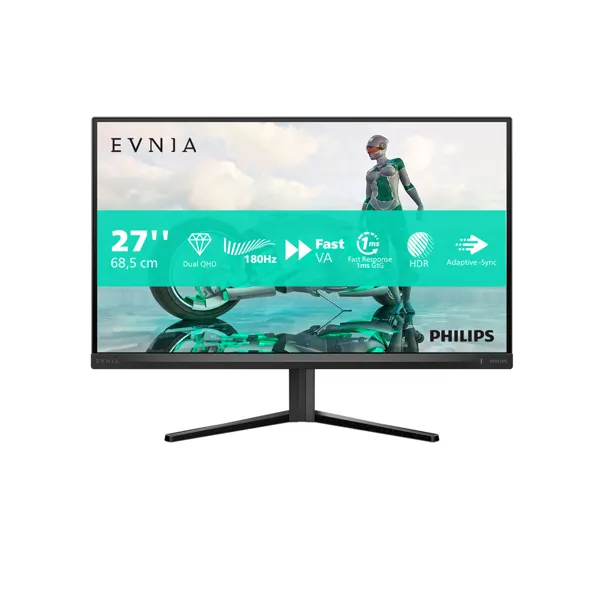
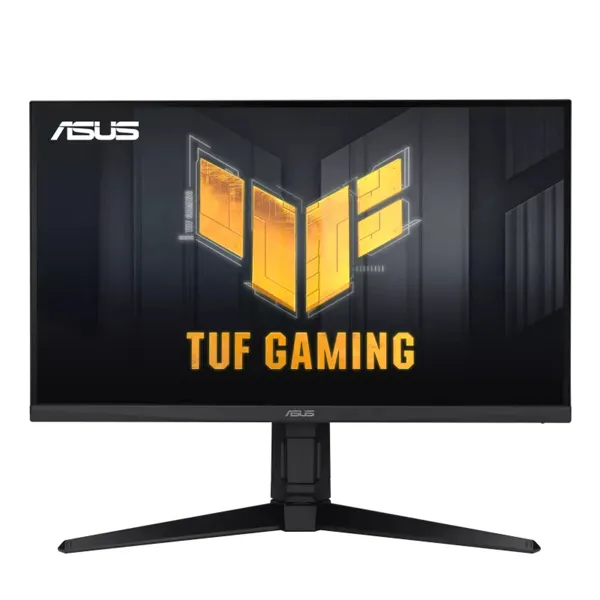
How to choose
- Desk space and layout: Measure desktop width and corner depth before pairing corner gaming desks with multi-monitor stands and full-size mats.
- Match colour and finish to what you already own so anything new fits in.
- Check measurements against your space or the person it is for, not the size name alone.
Frequently asked questions
How wide should a gaming desk be for dual monitors?
Allow comfortable room for two screens plus mouse sweep space, or use a dual VESA stand to reclaim desktop depth.
How do I look after a PU leather reclining gaming chair?
Wipe armrests and seat bolsters weekly with a slightly damp cloth and keep castor wheels clear of tangled threads.
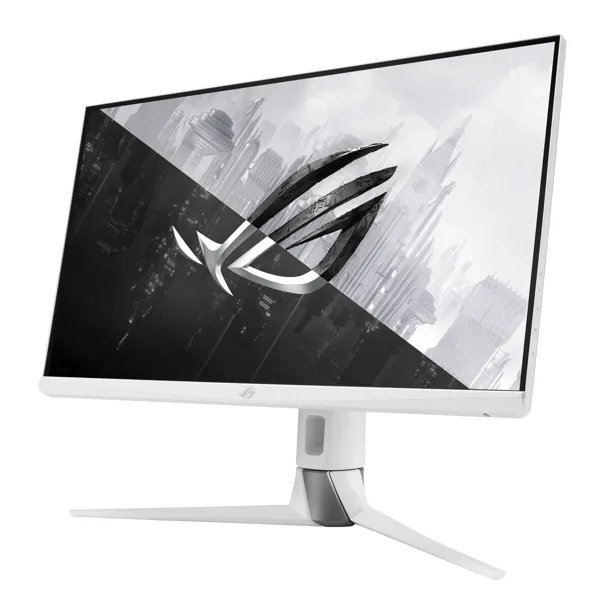
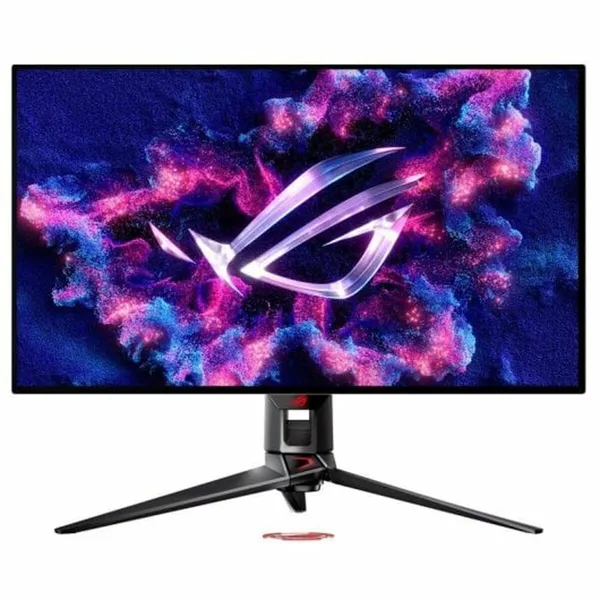
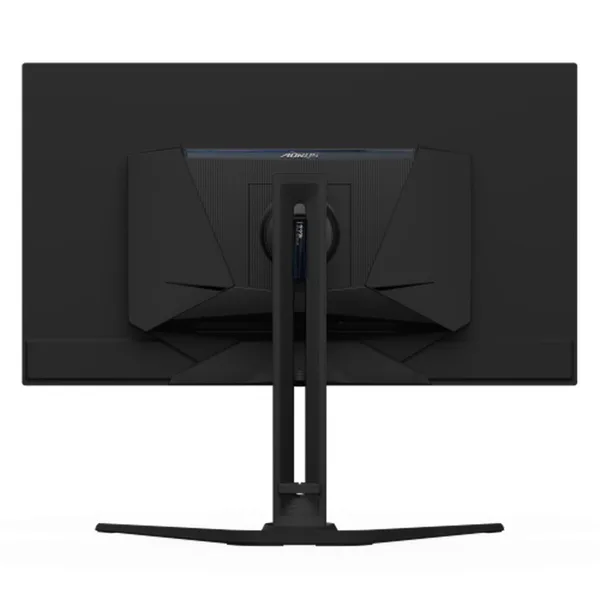
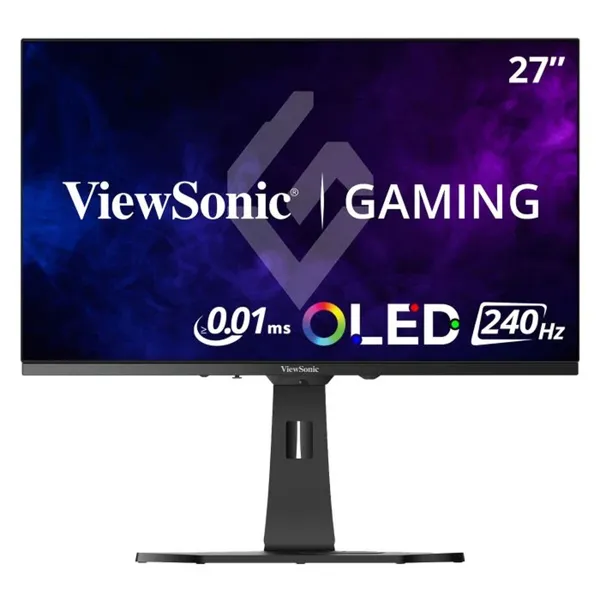
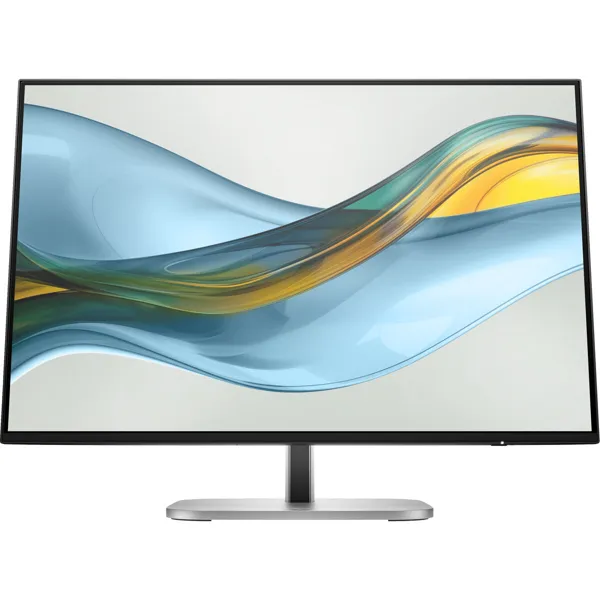
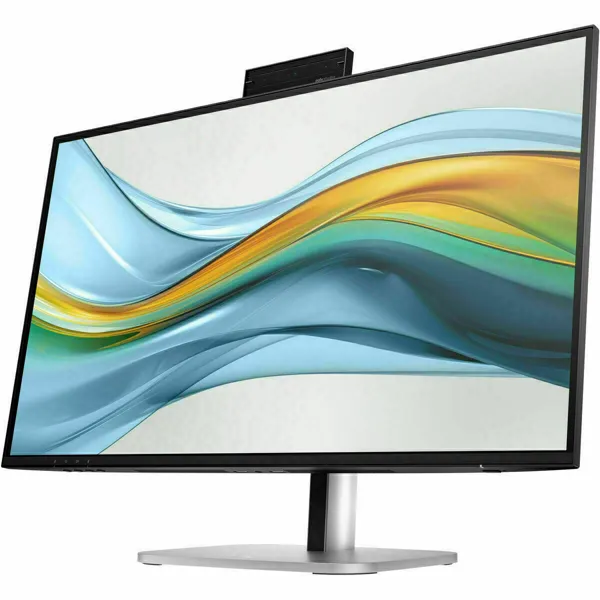
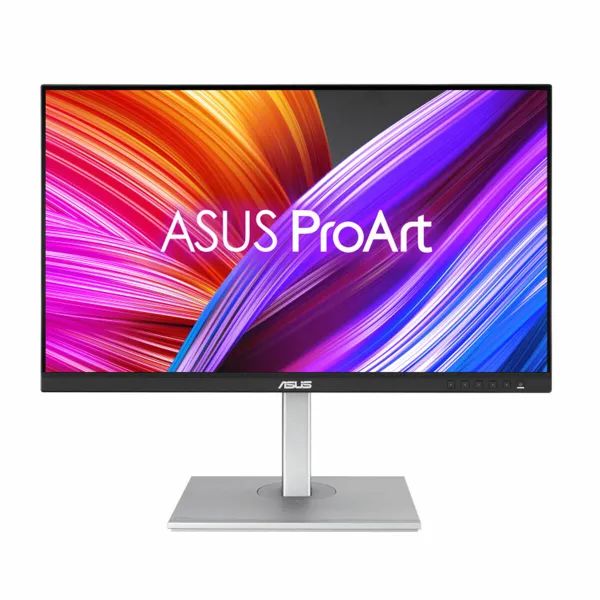
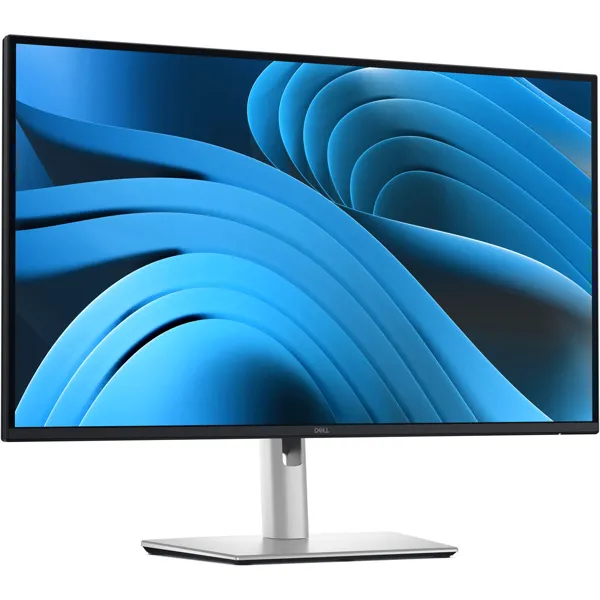
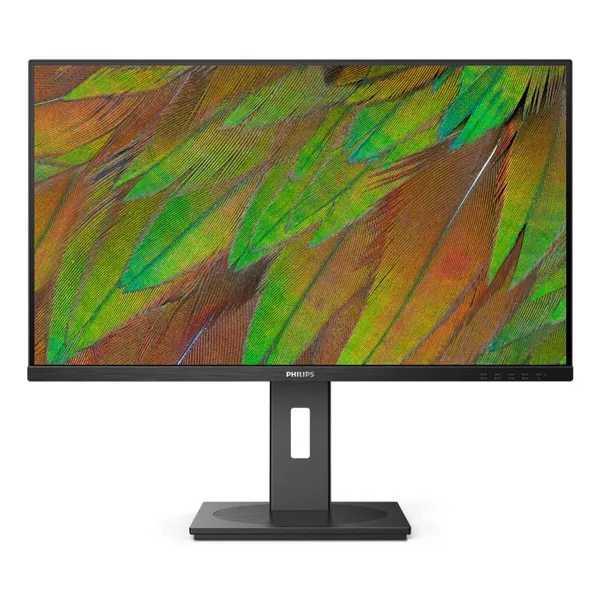
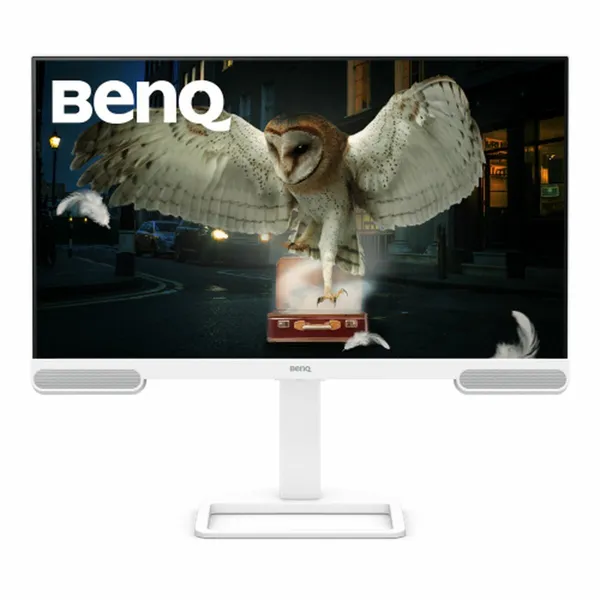
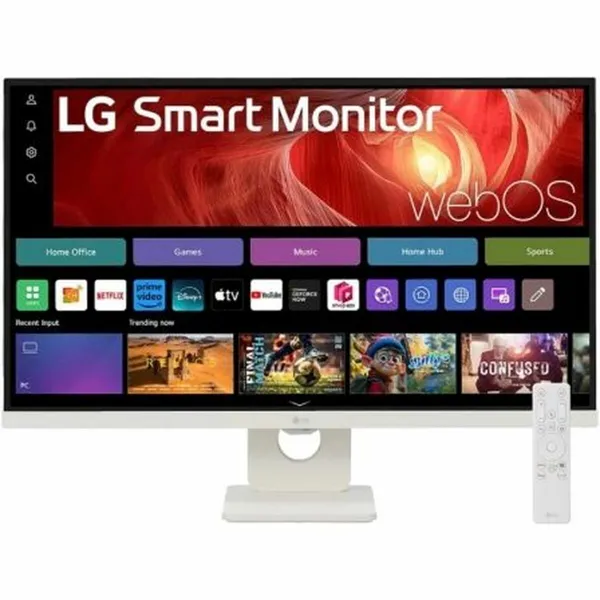
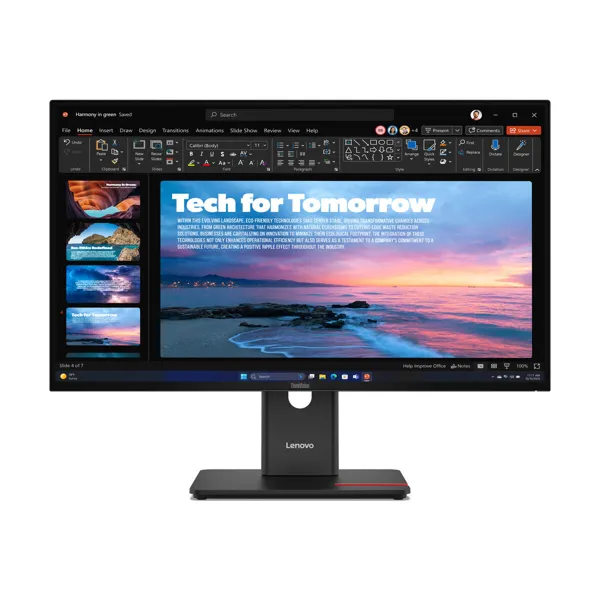
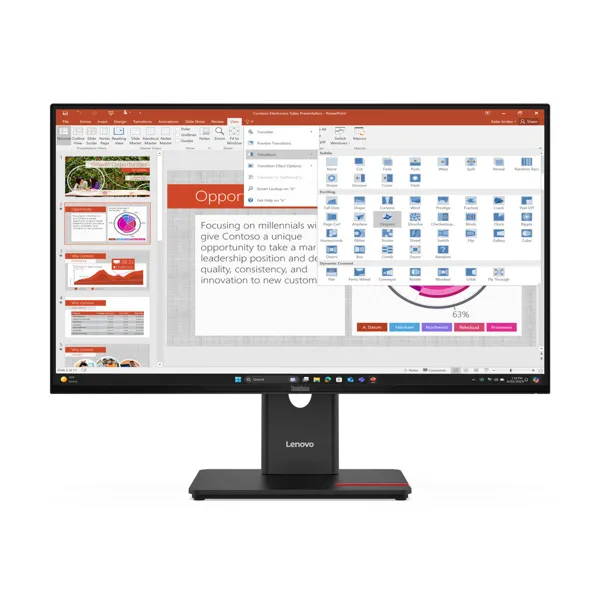
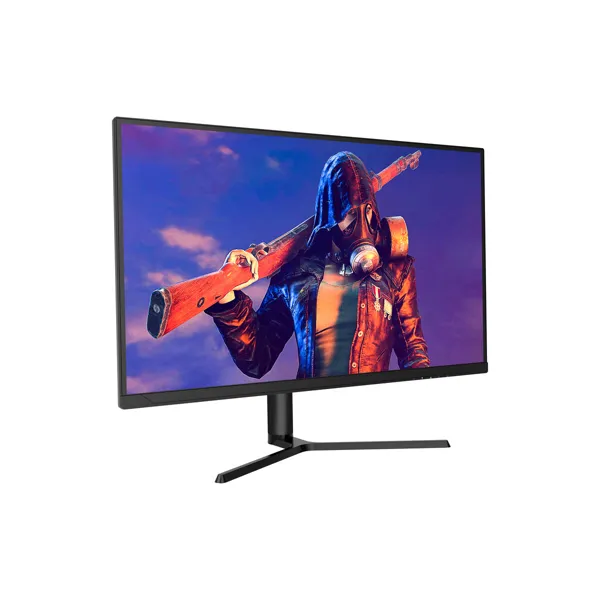
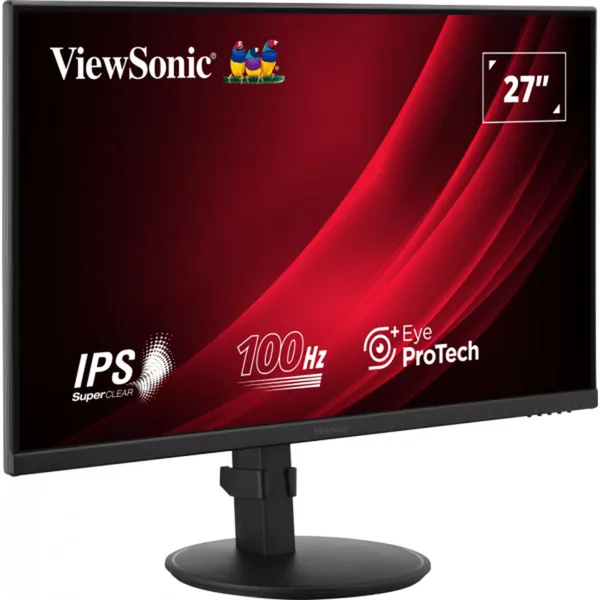
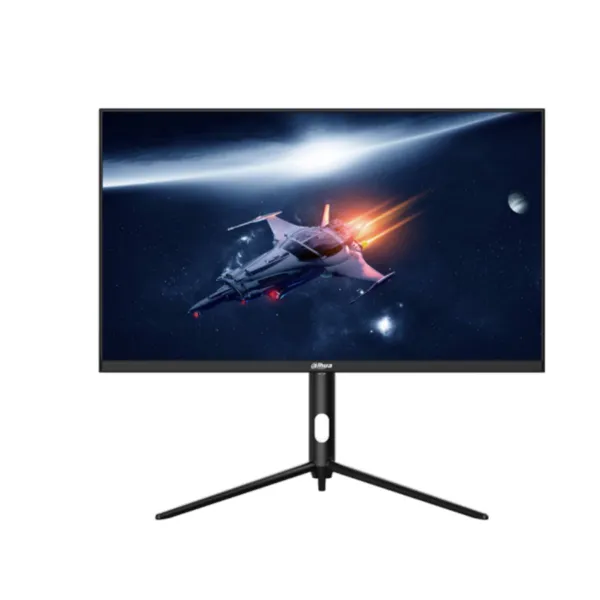
What should I check when replacing gaming monitors?
When replacing gaming monitors, note what worked and what did not with what you had before, then use that as a checklist for size, material and finish.
Should I buy gaming monitors as a set or singly?
A set of gaming monitors keeps everything matching; buying one at a time lets you mix materials and colours and add to what you have as you go.