
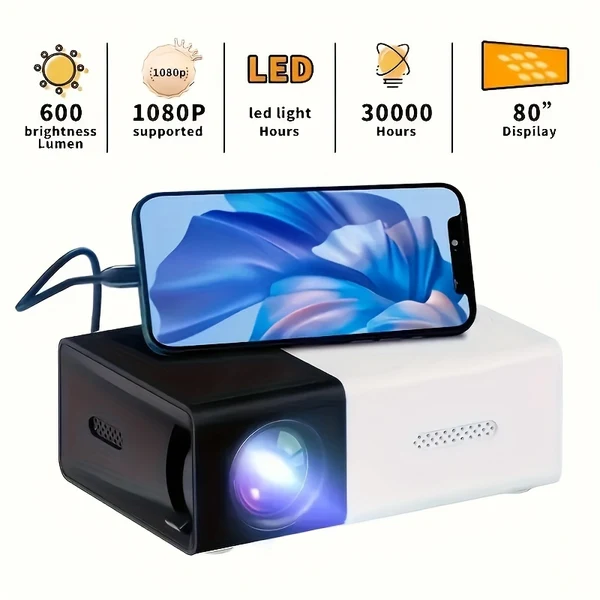
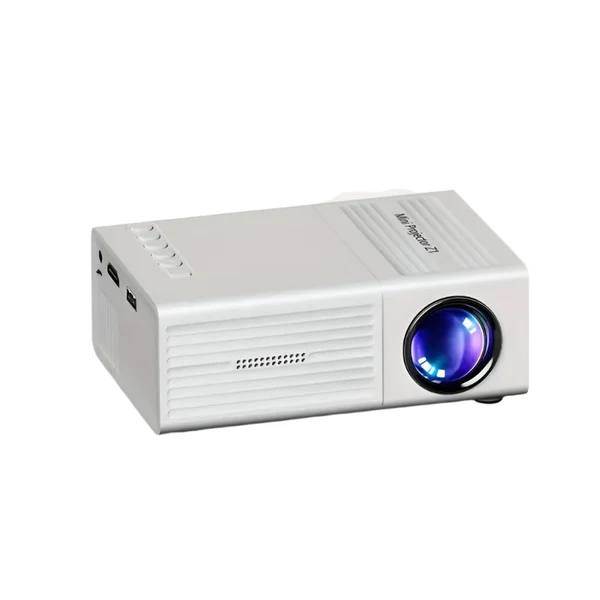
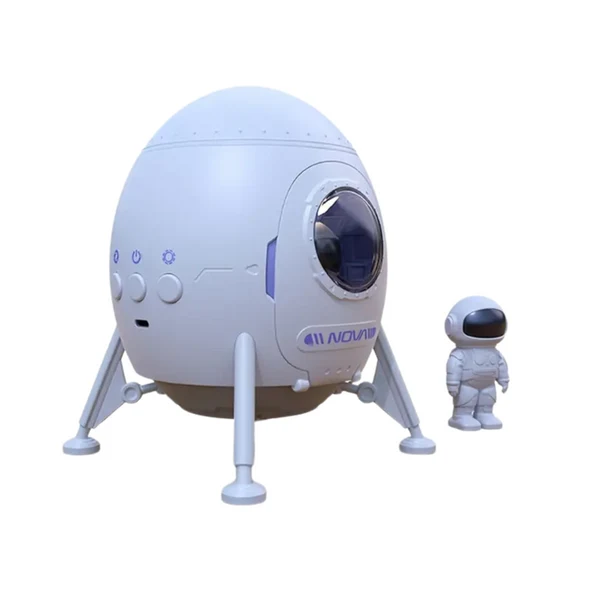
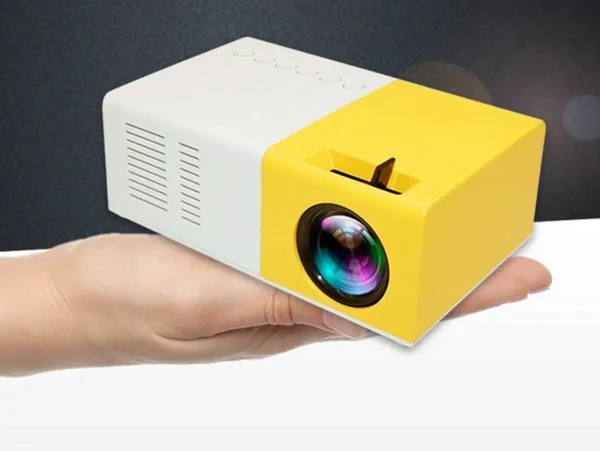
Portable LED Mini Projector with Multiple Input Options
£109.99 incl. VAT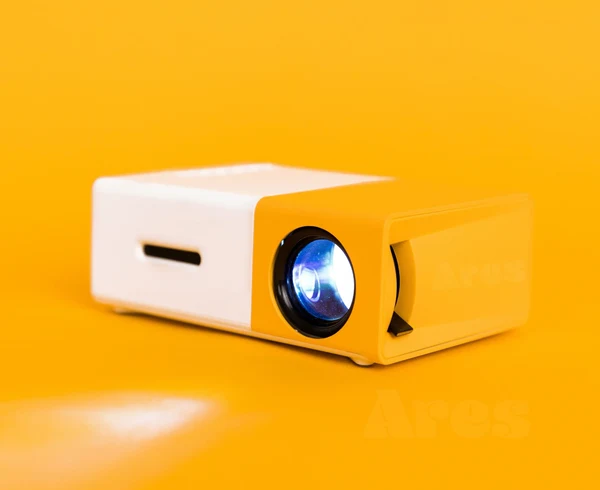
Ultra HD Portable Mini Projector
£103.99 incl. VATHow to choose
- Desk space and layout: Measure desktop width and corner depth before pairing corner gaming desks with multi-monitor stands and full-size mats.
- Switch and sensor feel: Check DPI settings on gaming mice and keycap compatibility for mechanical keyboards before upgrading.
- Compare materials for feel, weight and care, and pick the one that fits your routine.
- For a first purchase, a versatile all-round type is the easiest place to start.
Frequently asked questions
How do I look after a PU leather reclining gaming chair?
Wipe armrests and seat bolsters weekly with a slightly damp cloth and keep castor wheels clear of tangled threads.
How wide should a gaming desk be for dual monitors?
Allow comfortable room for two screens plus mouse sweep space, or use a dual VESA stand to reclaim desktop depth.
Should I choose gaming projectors for looks or for function?
With gaming projectors, function comes first because it decides the type and size; within those limits, let your own taste decide the look.
How do the main types of gaming projectors differ?
Types of gaming projectors differ in shape, size, material and the job they are designed for, so compare them on those points rather than on the name alone.
How do I look after gaming projectors?
Care for gaming projectors depends on the material, so follow the care notes for each item; in general, regular light cleaning and dry storage keep things in good shape.