
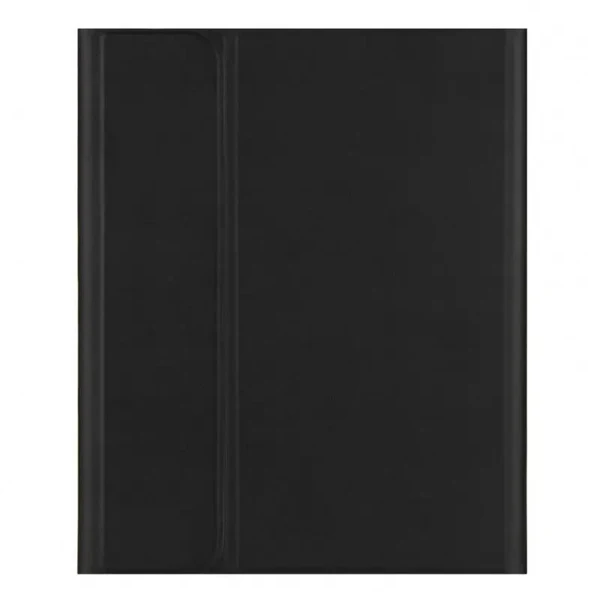
Dropshipman TPU Protective Case with Magnetic Keyboard Slot
From £23.99 incl. VAT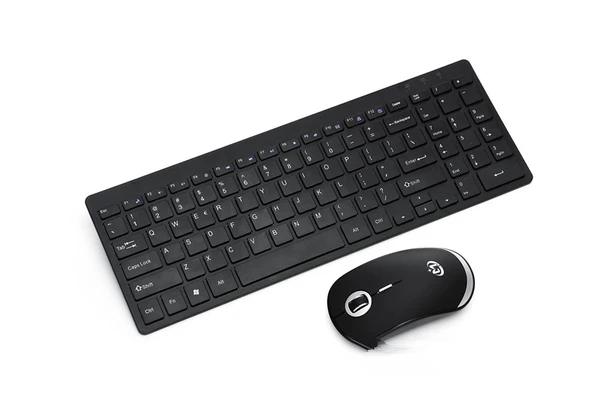
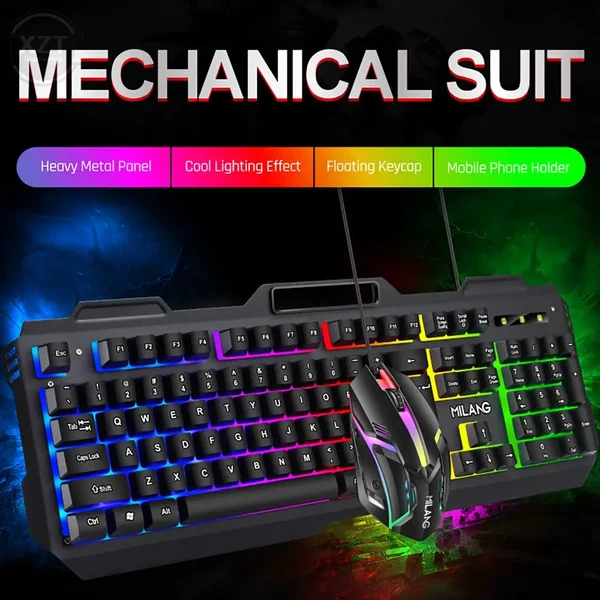
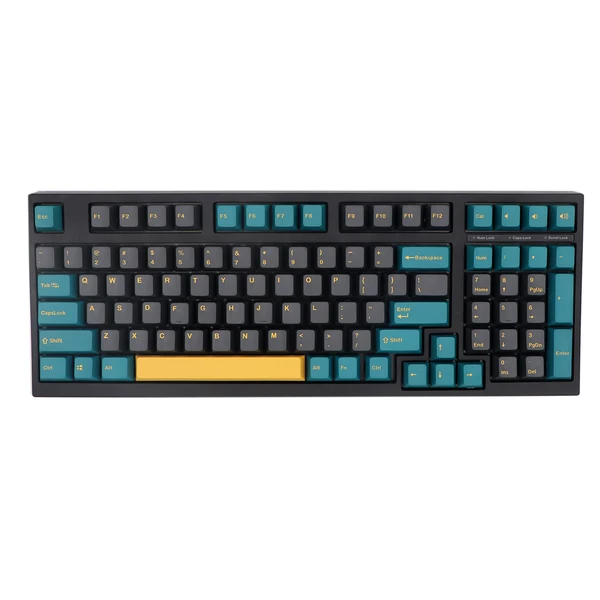
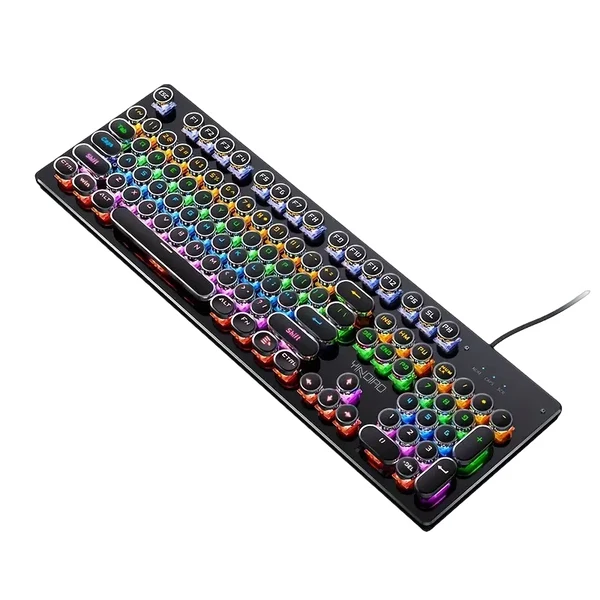
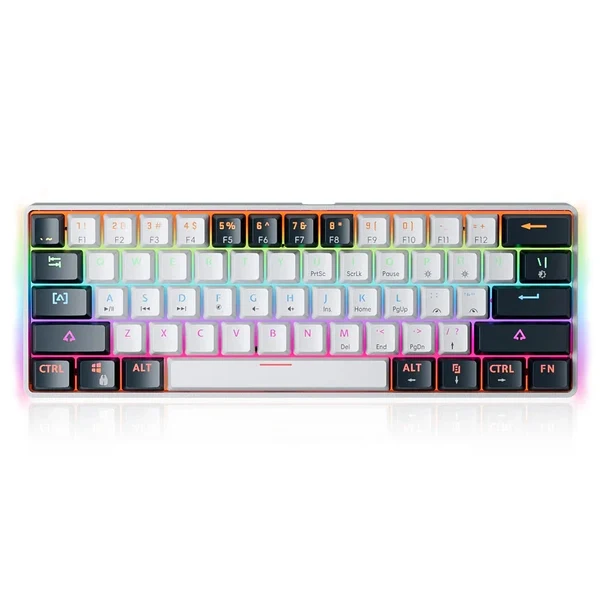
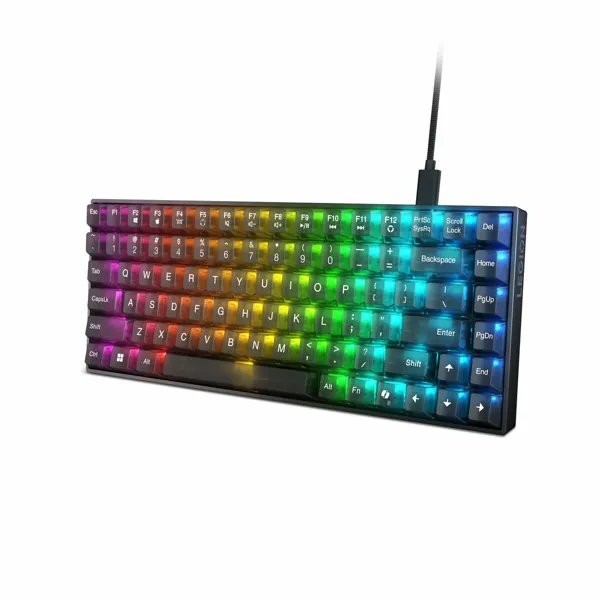
Wireless Keyboard with 95 Keys
£50.99 incl. VAT
Nekopara Gamer Keyboard Mat
From £55.99 incl. VAT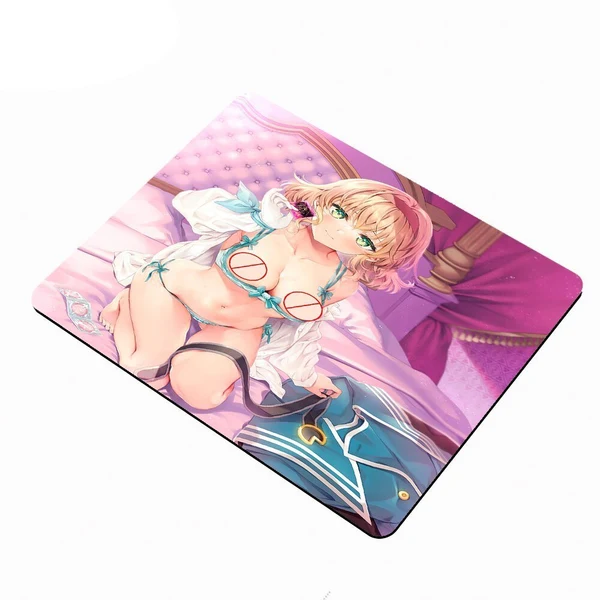
Azur Lane Keyboard Mat with Micro-Woven Cloth Surface
From £62.99 incl. VAT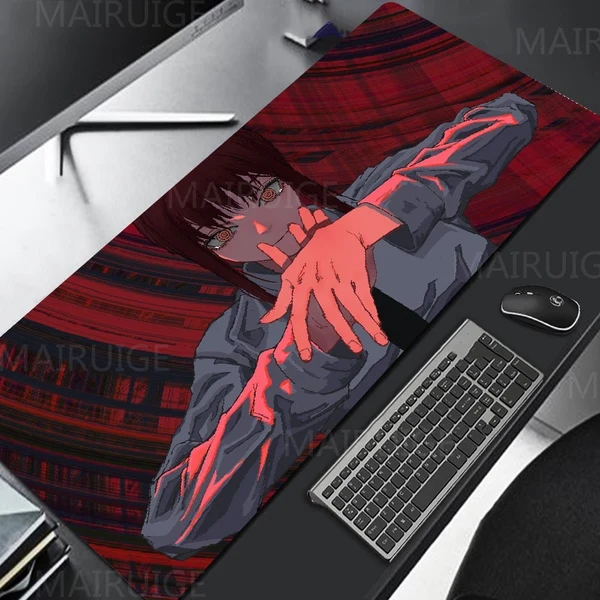
Makima Gaming Keyboard Mat
From £45.99 incl. VAT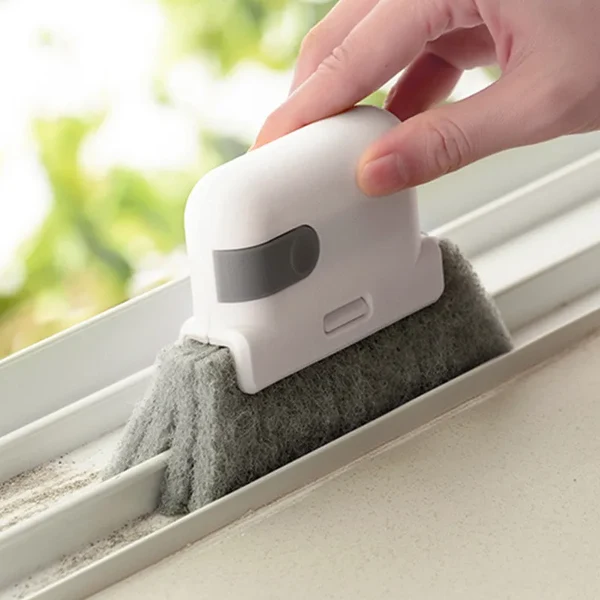
Hand-Held Window Groove Cleaning Brush, 13.5 x 8.8 x 2.6 cm
From £14.99 incl. VAT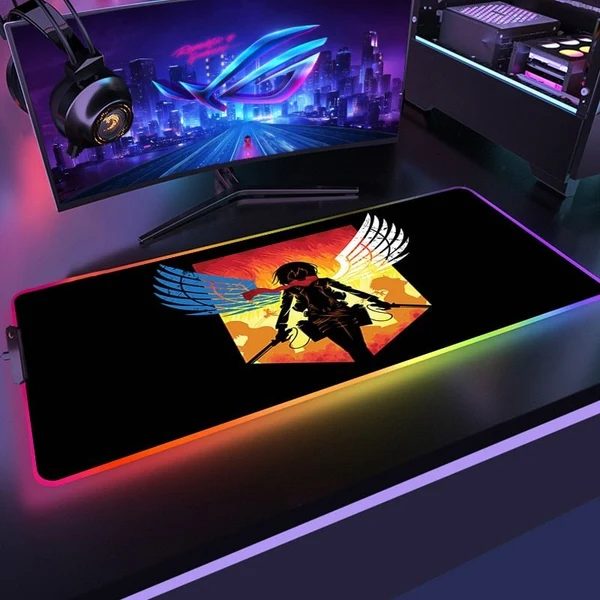
AOT Mikasa Style RGB Gaming Keyboard Mat, Luminous LED
From £78.99 incl. VAT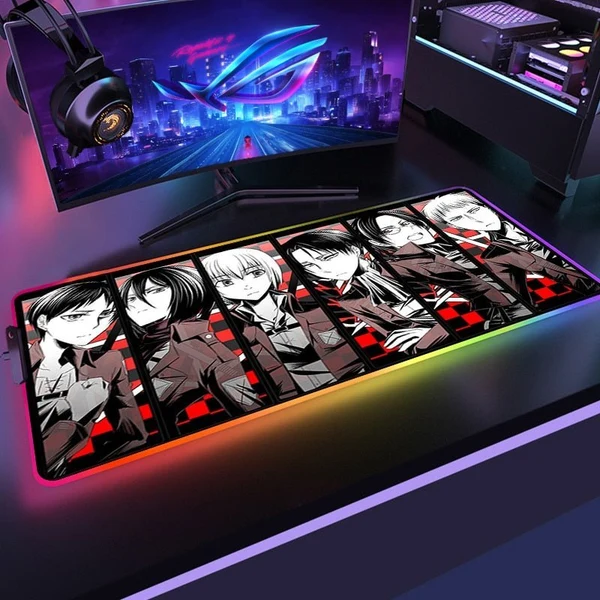
AOT Exploration Battalion Gaming RGB Keyboard Mat
From £73.99 incl. VAT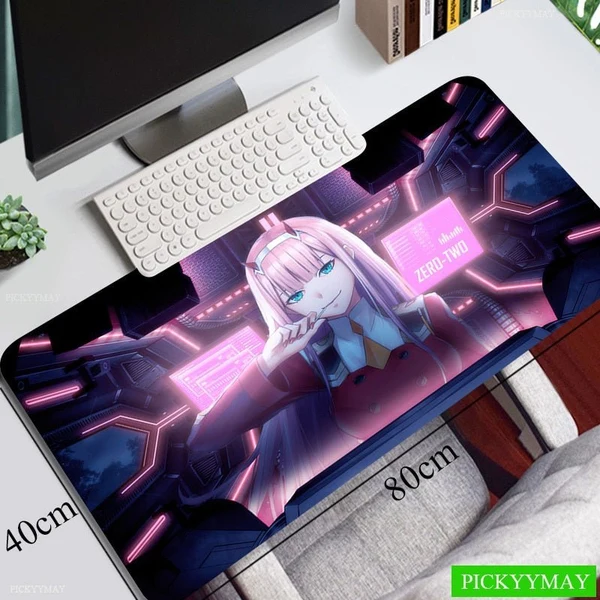
Darling Franxx Gaming Keyboard Mat with Luminous LED
From £57.99 incl. VAT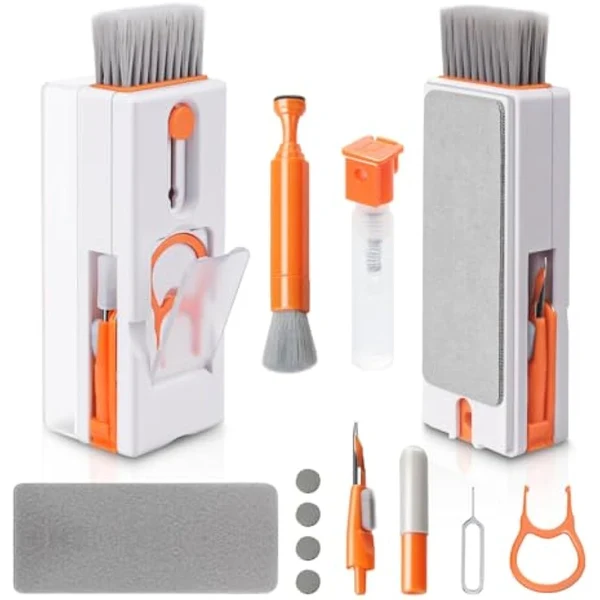

Darling in the Franxx Gamer RGB LED Keyboard Mat
From £78.99 incl. VATHow to choose
- Desk space and layout: Measure desktop width and corner depth before pairing corner gaming desks with multi-monitor stands and full-size mats.
- Think about who else will use it, and choose something that suits whoever else will use it too.
- Compare the makers listed on size, material, finish and care: MAOKEI, Homcom, OBA, LENOVO and Genesis.
Frequently asked questions
How do I organise power bricks and peripheral cords under a gaming desk?
Mount a monitor riser and route USB hubs and cables neatly behind the rear rail using tidy trays and ties.
How do I look after a PU leather reclining gaming chair?
Wipe armrests and seat bolsters weekly with a slightly damp cloth and keep castor wheels clear of tangled threads.
What should I look at first when choosing gaming keyboards?
When choosing gaming keyboards, start with the job in hand, then size, then material and finish; that order rules out the wrong types quickly.
What should I check when replacing gaming keyboards?
When replacing gaming keyboards, note what worked and what did not with what you had before, then use that as a checklist for size, material and finish.