
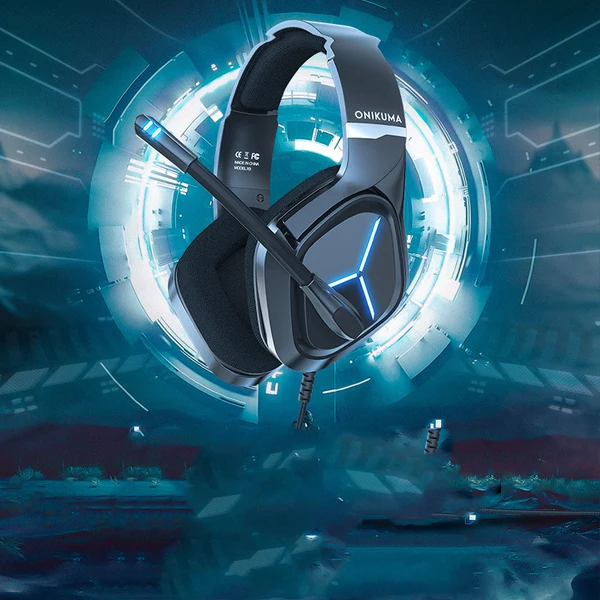
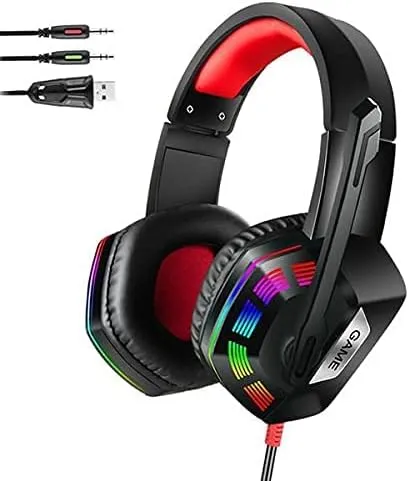

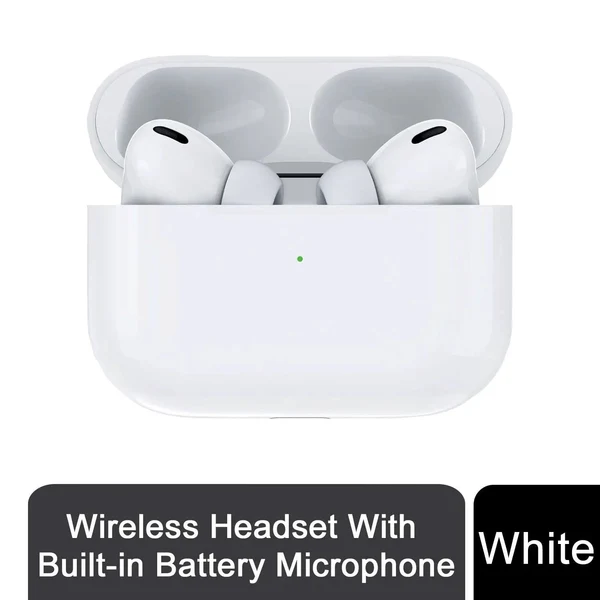
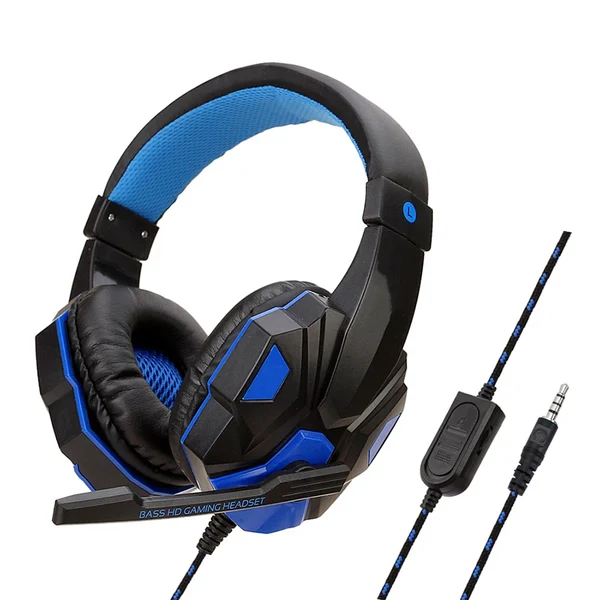
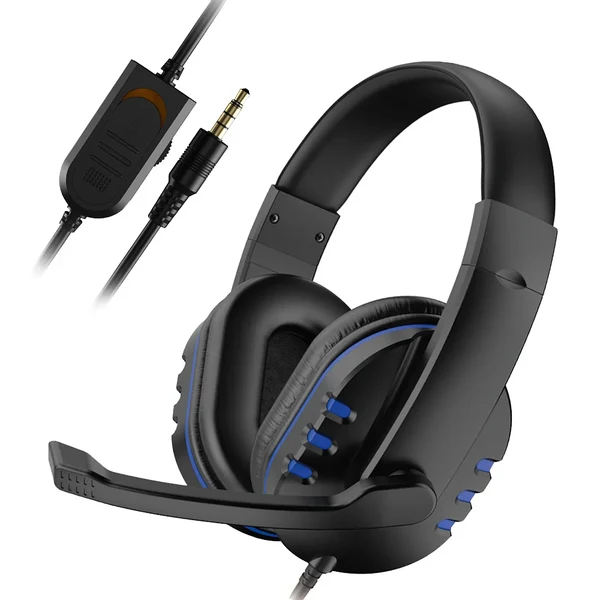
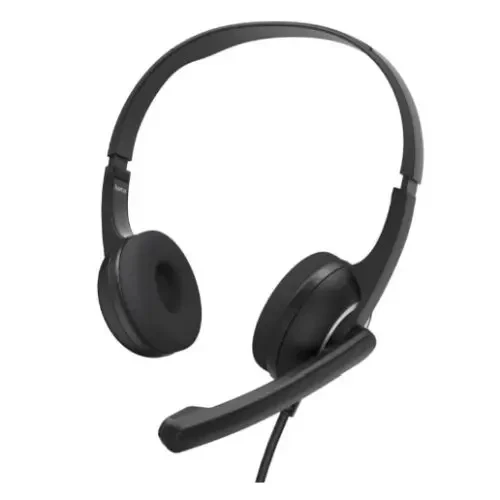
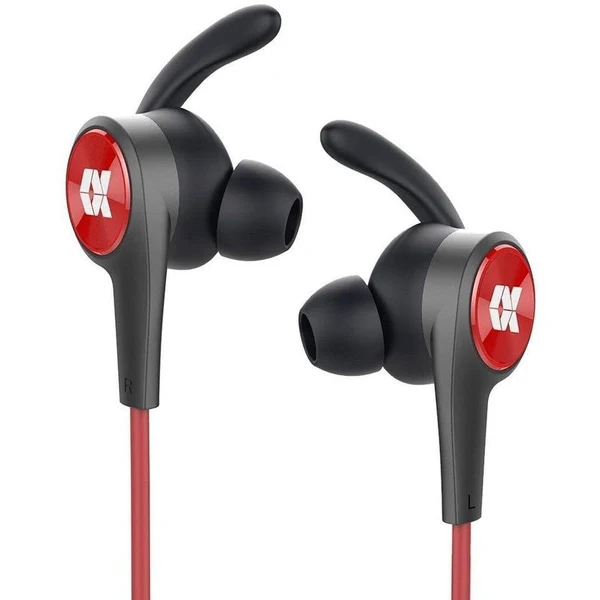
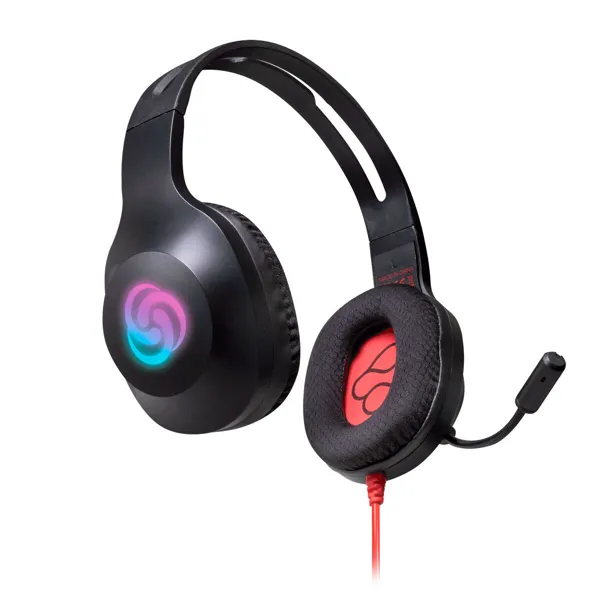
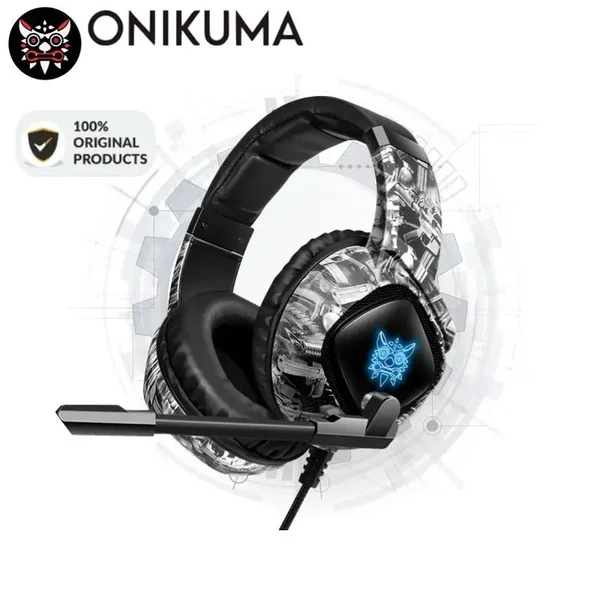
ONIKUMA K19 Wired Noise-Cancelling Gaming Headset with Mic
£48.99 incl. VAT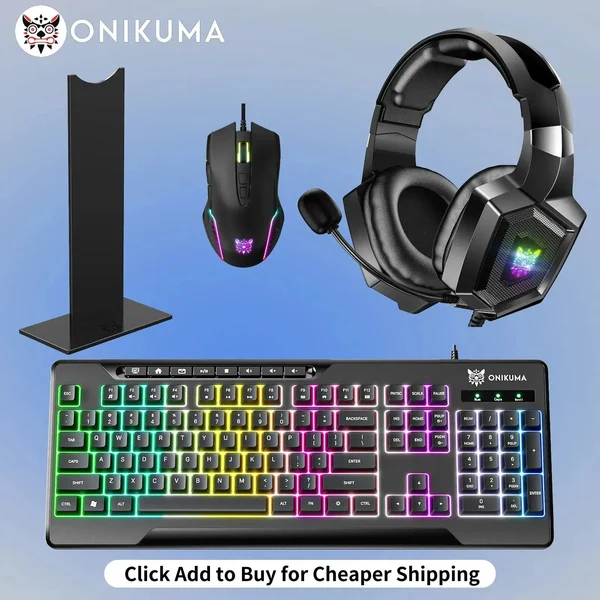
ONIKUMA Gaming Headset, Mouse and Keyboard Set
From £16.99 incl. VAT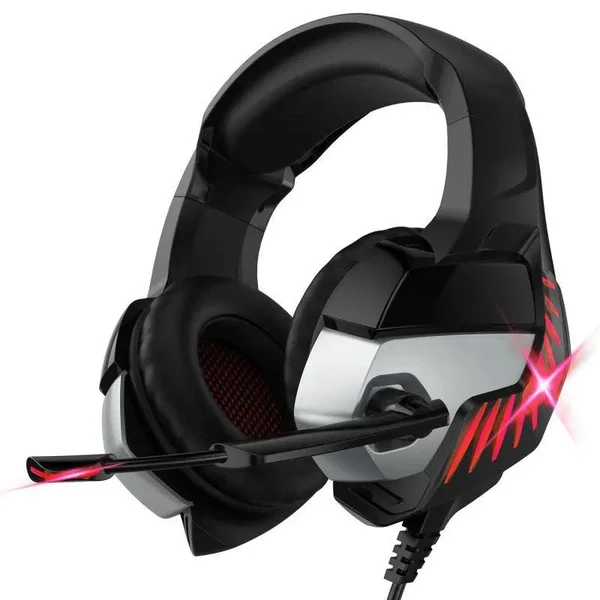
Wired Esports Gaming Headset with Microphone and Mouse
From £33.99 incl. VAT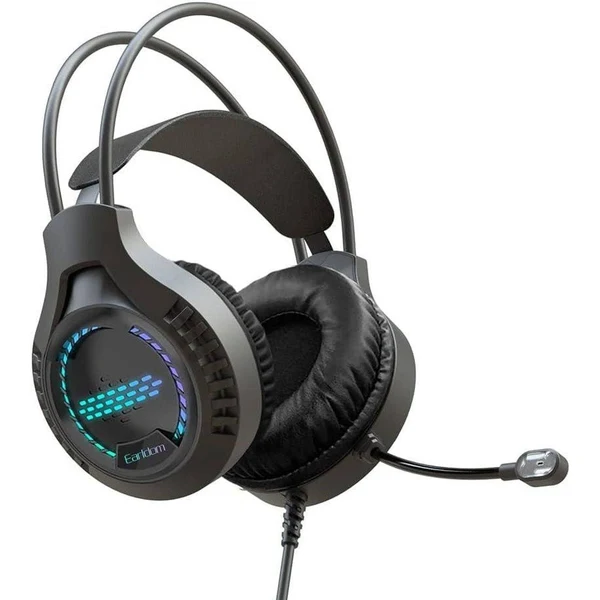

Foldable Extra Bass Wireless Over-Ear Headphones
£16.99 incl. VAT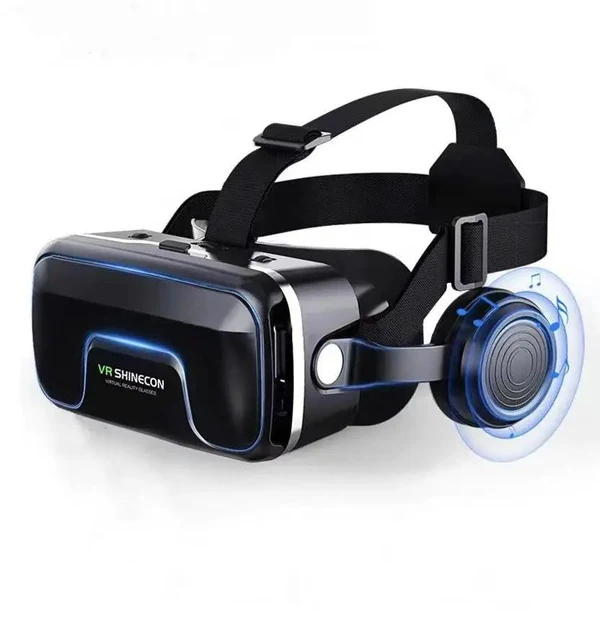
G04EA Plastic VR Headset
From £52.99 incl. VAT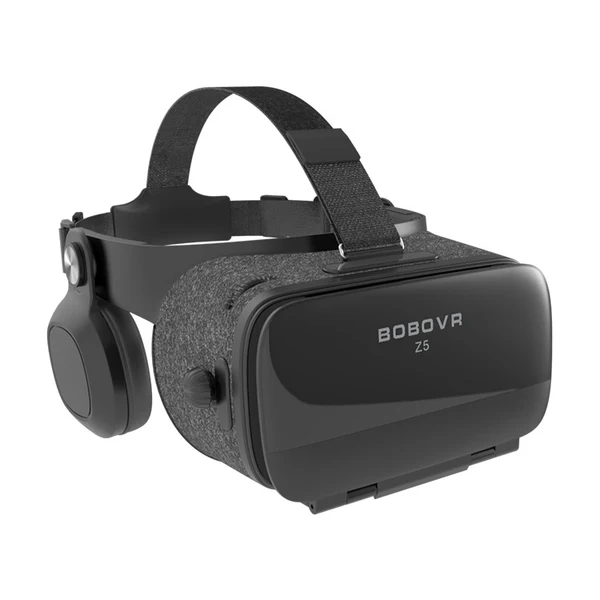
VR Z5 5th Gen Fabric VR Glasses
From £54.99 incl. VATHow to choose
- Audio clarity: Use a dedicated USB condenser mic for clear voice comms and rest headsets on a desktop stand between matches.
- Switch and sensor feel: Check DPI settings on gaming mice and keycap compatibility for mechanical keyboards before upgrading.
- Desk space and layout: Measure desktop width and corner depth before pairing corner gaming desks with multi-monitor stands and full-size mats.
- Let what you already own guide material and colour, so new and old sit well together.
- If you are replacing something, list what worked and what did not, and use that as your brief.
Frequently asked questions
How do I organise power bricks and peripheral cords under a gaming desk?
Mount a monitor riser and route USB hubs and cables neatly behind the rear rail using tidy trays and ties.
How wide should a gaming desk be for dual monitors?
Allow comfortable room for two screens plus mouse sweep space, or use a dual VESA stand to reclaim desktop depth.
What signs of good making should I look for in gaming headsets?
Look for clean joins, even finishing and edges or seams that feel smooth; in gaming headsets, small details like these say a lot about how carefully something was put together.