
Which type are you after?
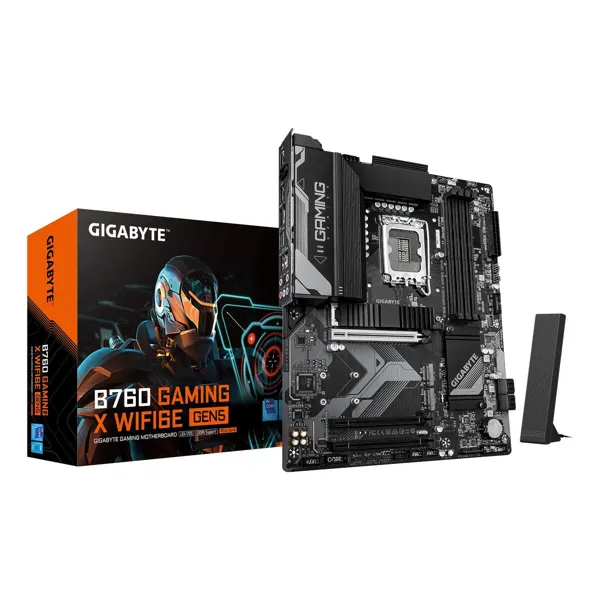
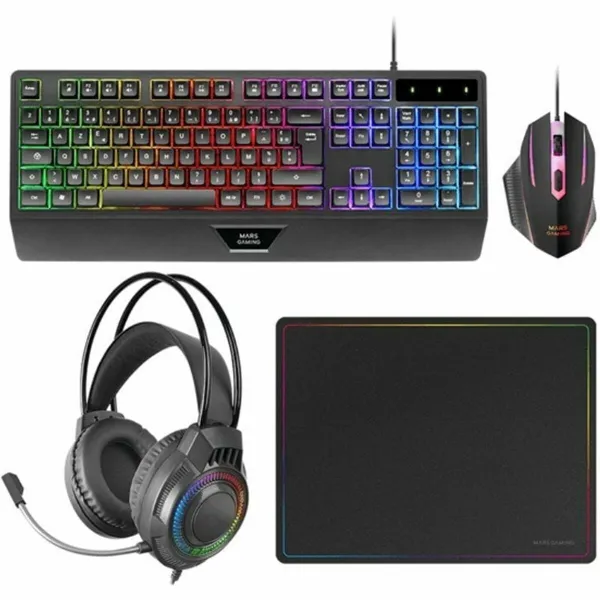
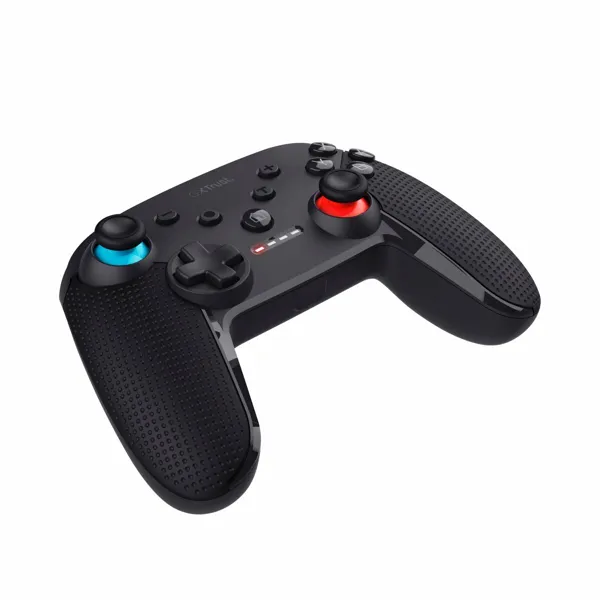
How to choose
- Switch and sensor feel: Check DPI settings on gaming mice and keycap compatibility for mechanical keyboards before upgrading.
- Weigh look and function together; something you like the look of is more likely to be used.
- Decide on the job first, then the type: the right type narrows every other choice.
Frequently asked questions
What size desk mat fits both a keyboard and a gaming mouse?
Extended mats span the width of a keyboard and mouse pad together so both peripherals sit on one level surface.
Should I choose a wired or wireless gaming mouse?
Wired mice never need recharging mid-match, while rechargeable wireless mice keep compact desks free of cord drag.
What should I look at first when choosing gaming PC components?
When choosing gaming PC components, start with the job in hand, then size, then material and finish; that order rules out the wrong types quickly.
How do I choose the right size of gaming PC components?
Measure the space, or something similar you already own, and compare that with the stated dimensions of gaming PC components rather than with size names, which vary between makers.
Should I buy gaming PC components as a set or singly?
A set of gaming PC components keeps everything matching; buying one at a time lets you mix materials and colours and add to what you have as you go.