
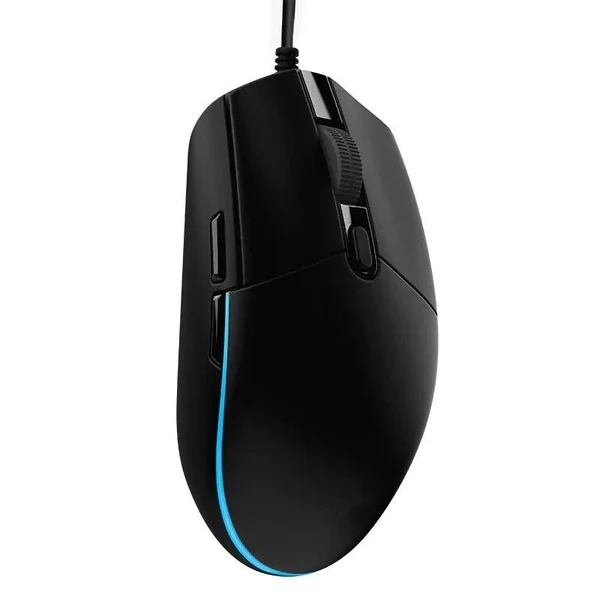

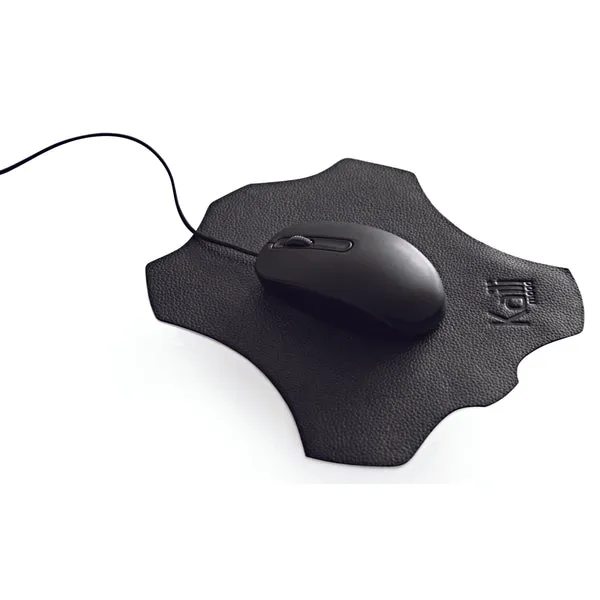
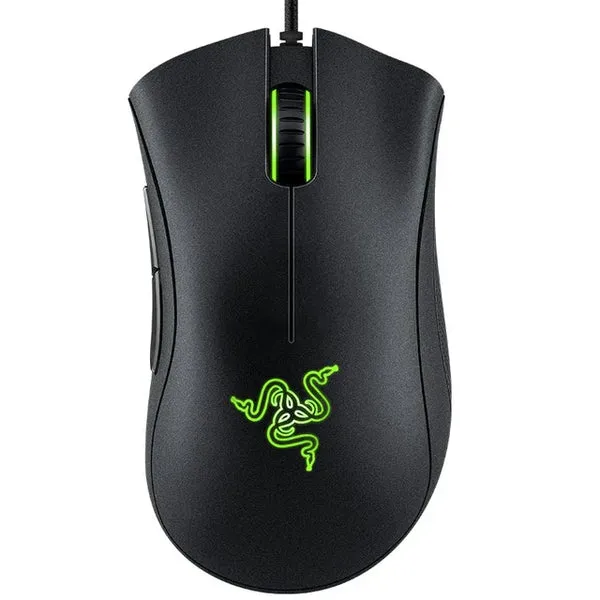

6D Wired Mouse with USB Interface, 1.5 m Cable
£14.99 incl. VAT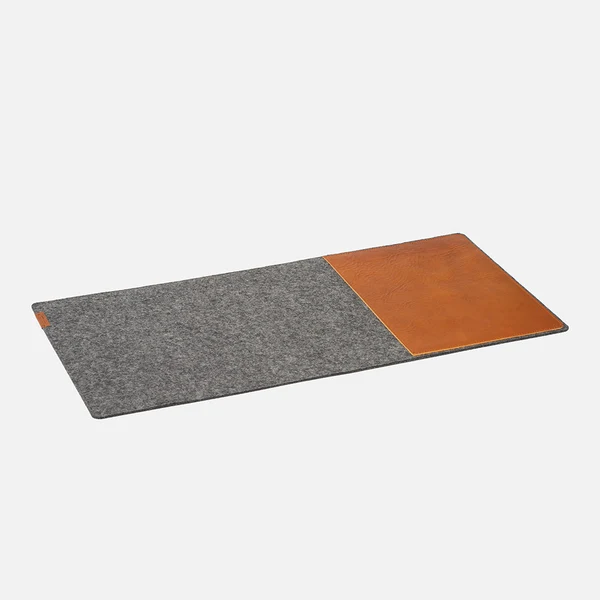
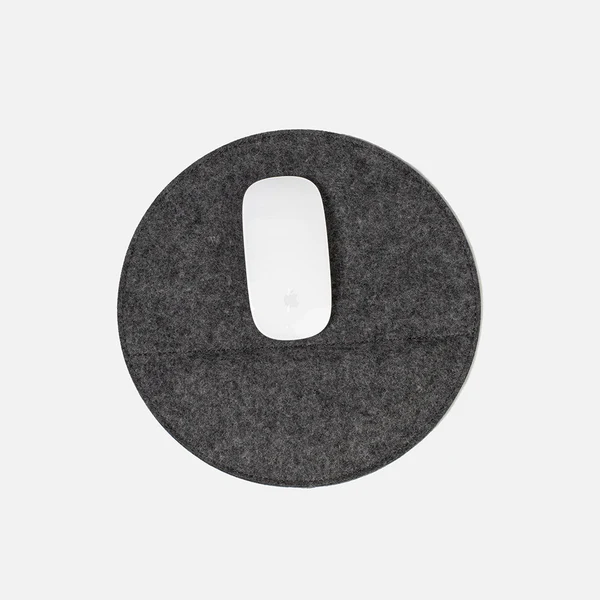
Leather and Wool Felt Desk Pad, 30 x 60 cm
From £193.99 incl. VAT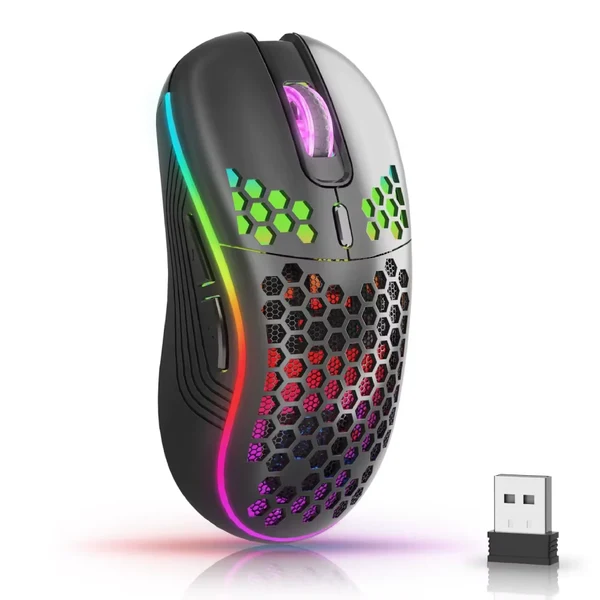
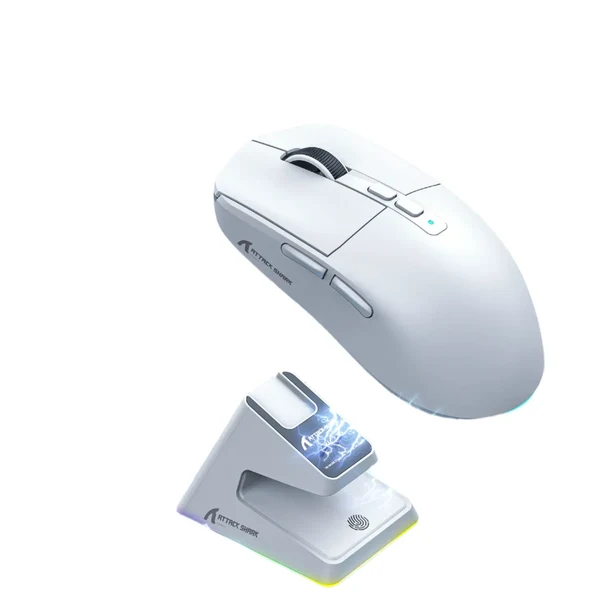
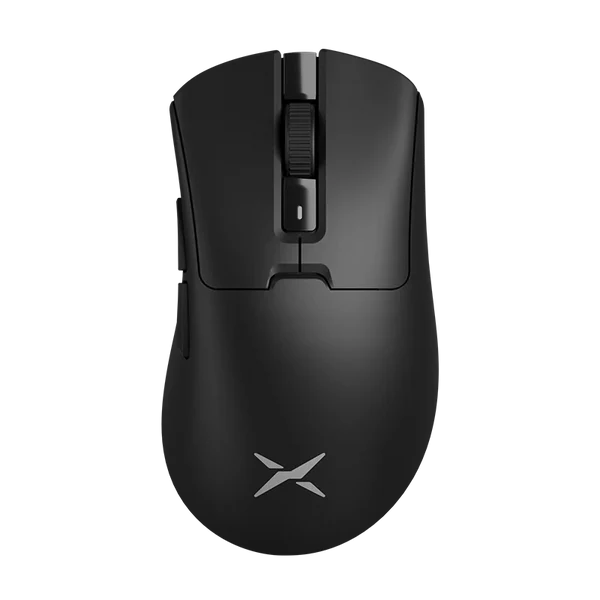
2.4G Wireless Honeycomb RGB Rechargeable Gaming Mouse
£28.99 incl. VAT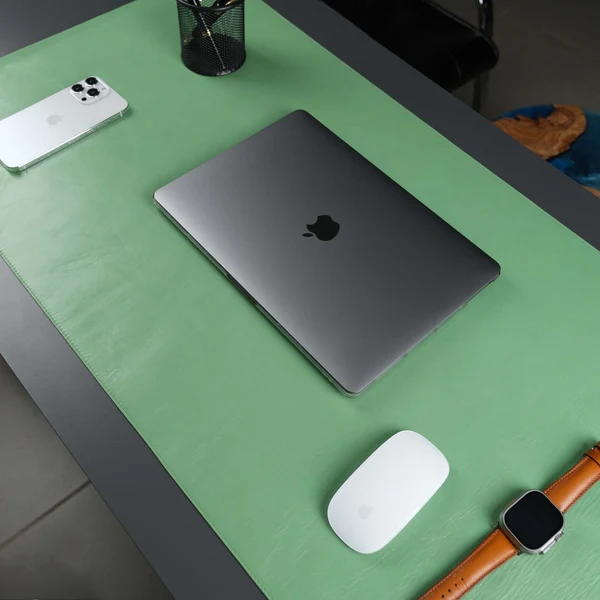
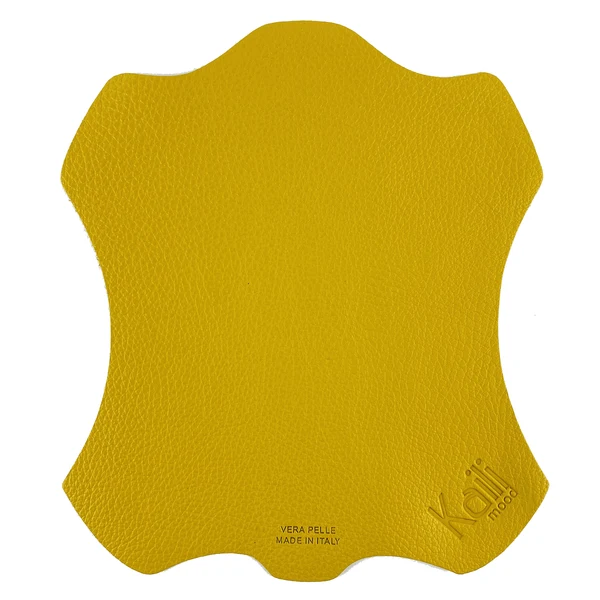
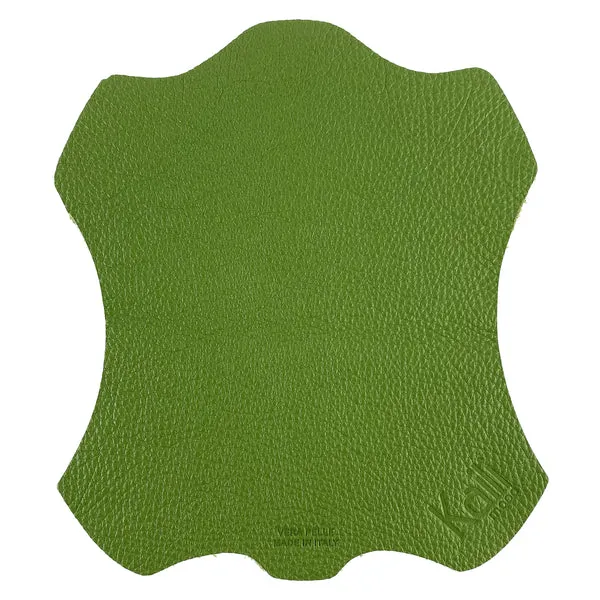
Jersey Green Leather Desk Pad for Office and Home
£173.99 incl. VAT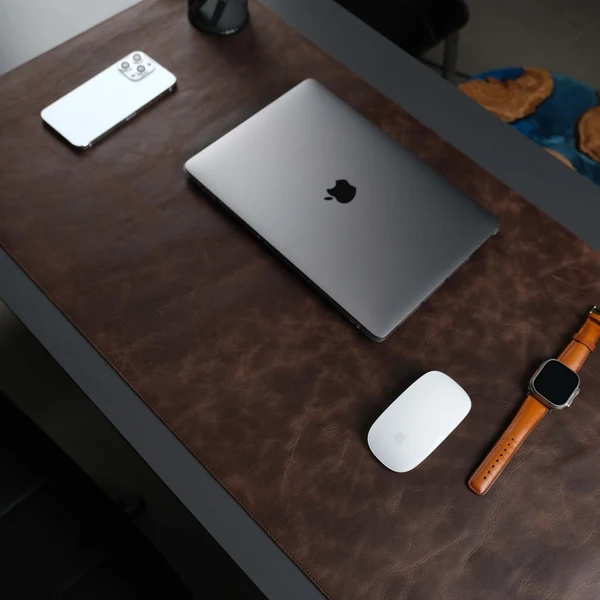
Jersey Dark Brown Leather Desk Pad
£173.99 incl. VAT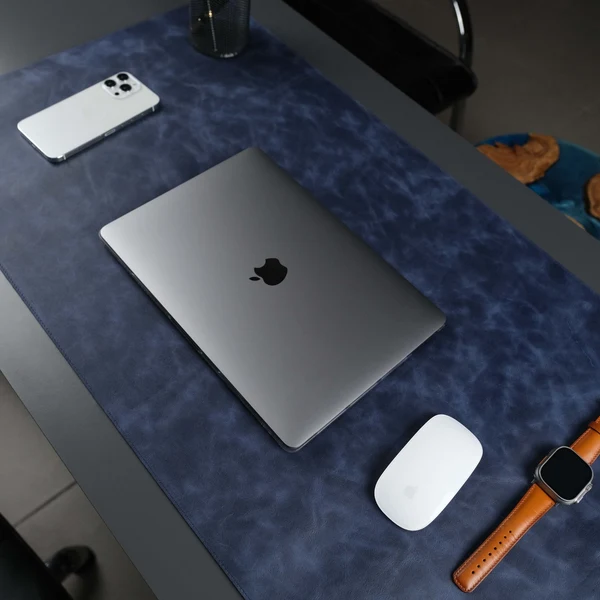
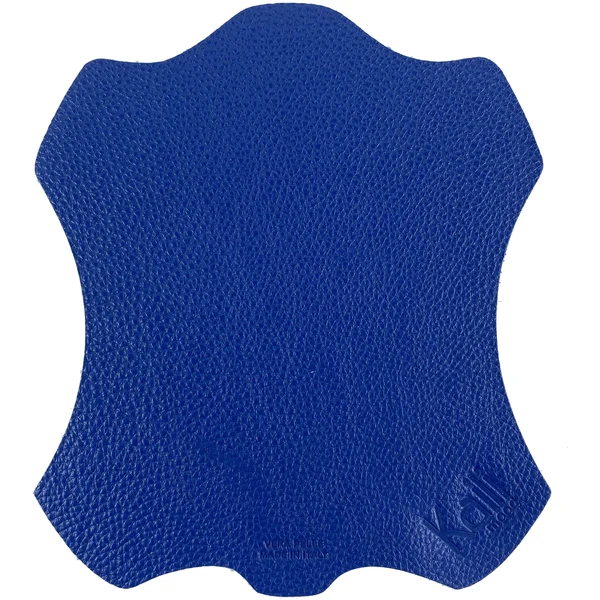
Jersey Navy Blue Leather Desk Pad
£173.99 incl. VAT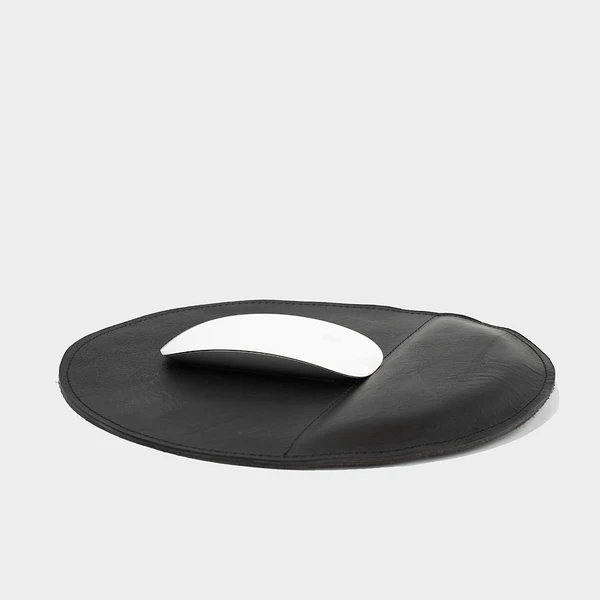
Full-Grain Leather Mouse Pad with Wrist Support
£132.99 incl. VAT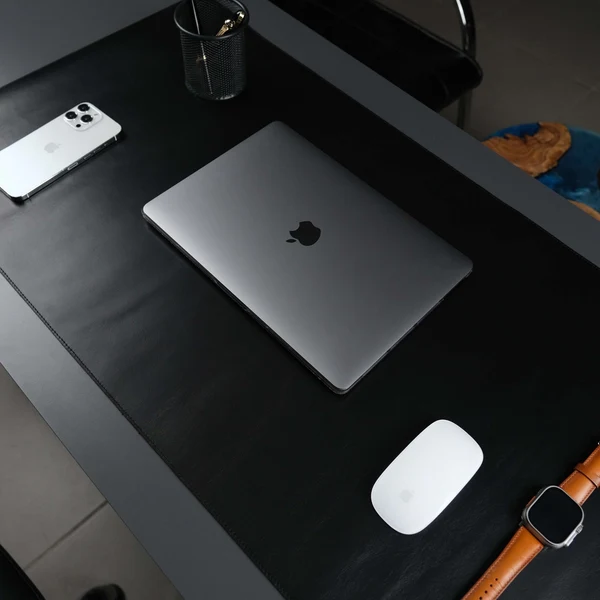
Jersey Black Leather Desk Pad
£173.99 incl. VAT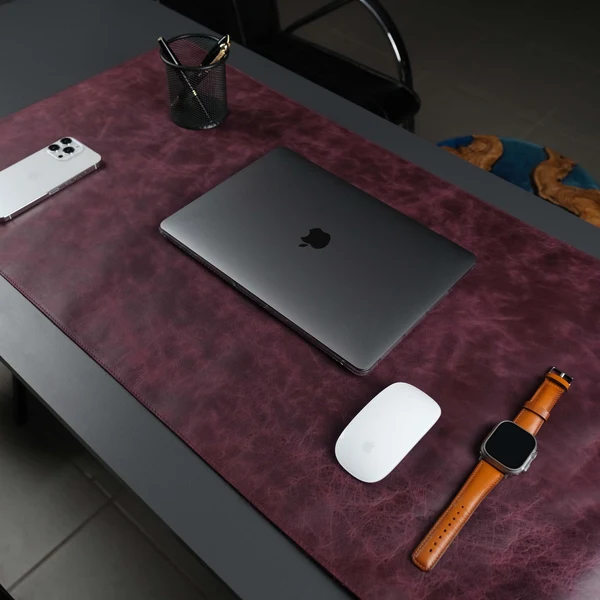
Jersey Purple Leather Desk Pad
£173.99 incl. VAT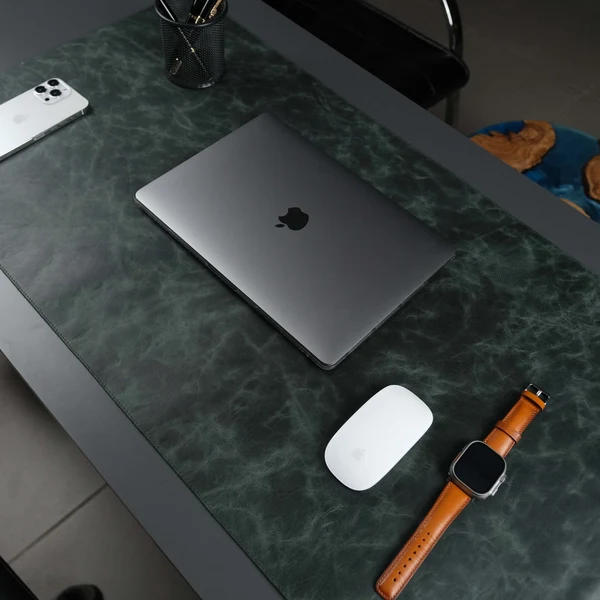
Jersey Dark Green Leather Desk Pad, 36 x 19 in
£173.99 incl. VAT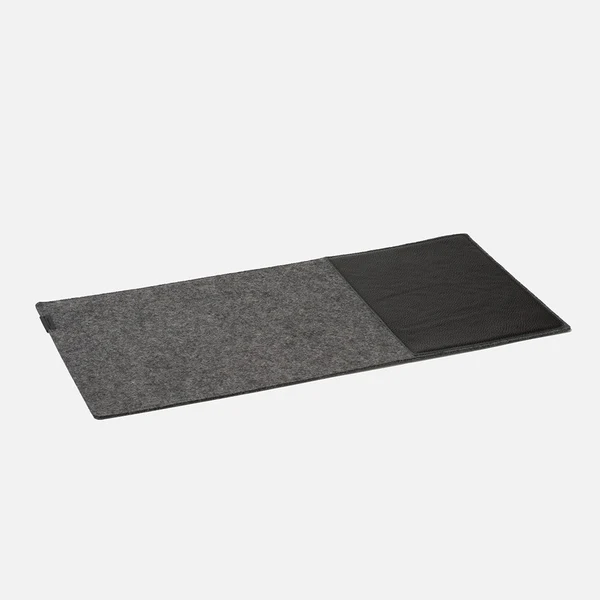
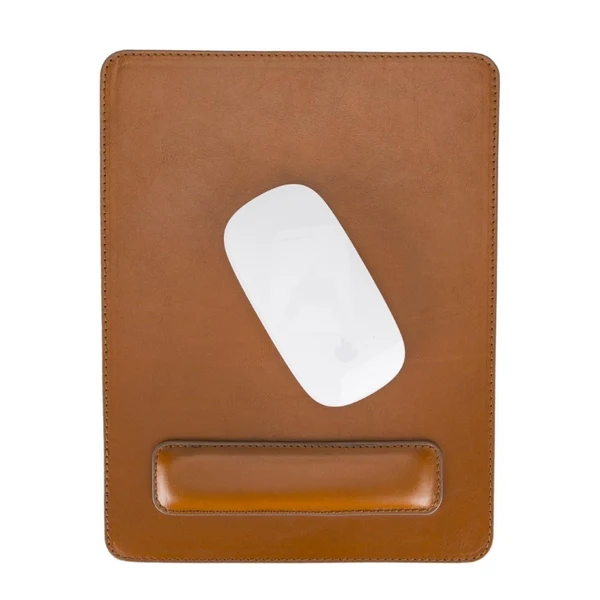
Boulder Full-Grain Leather Mouse Pad with Hand Support
£50.99 incl. VAT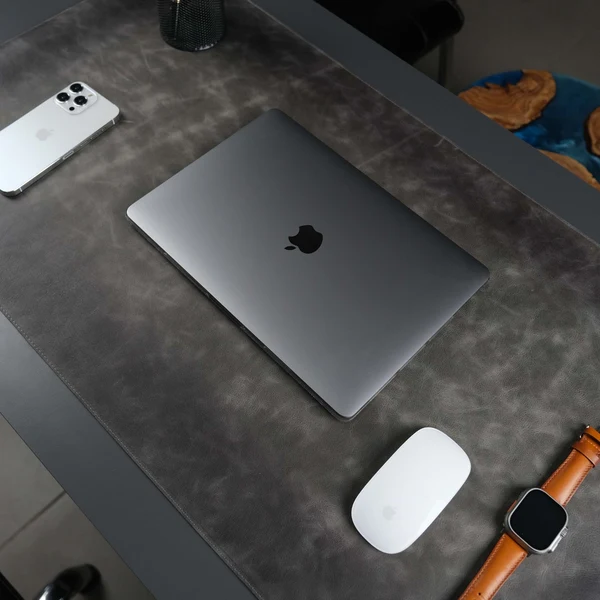
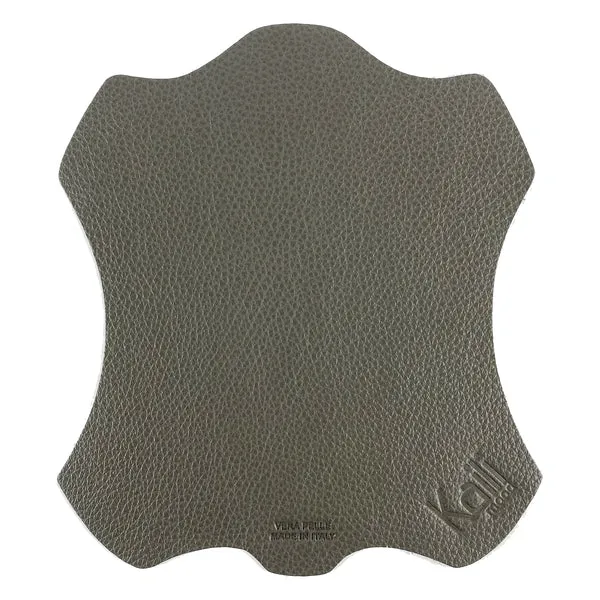
Jersey Grey Leather Desk Pad
£173.99 incl. VATHow to choose
- Switch and sensor feel: Check DPI settings on gaming mice and keycap compatibility for mechanical keyboards before upgrading.
- Desk space and layout: Measure desktop width and corner depth before pairing corner gaming desks with multi-monitor stands and full-size mats.
- Check how it is put together: clean joins and neat finishing are good signs of careful making.
- For a first purchase, a versatile all-round type is the easiest place to start.
- Compare materials for feel, weight and care, and pick the one that fits your routine.
Frequently asked questions
How do I organise power bricks and peripheral cords under a gaming desk?
Mount a monitor riser and route USB hubs and cables neatly behind the rear rail using tidy trays and ties.
Should I choose a wired or wireless gaming mouse?
Wired mice never need recharging mid-match, while rechargeable wireless mice keep compact desks free of cord drag.
Where do I start if I am new to gaming mice?
If you are new to gaming mice, start with a versatile, all-round type in a material that is easy to care for, then add more specialised types once you know what you use.