

How to choose
- Desk space and layout: Measure desktop width and corner depth before pairing corner gaming desks with multi-monitor stands and full-size mats.
- Switch and sensor feel: Check DPI settings on gaming mice and keycap compatibility for mechanical keyboards before upgrading.
- Consider storage: shape and size decide how easily it tucks away between uses.
- Compare a few options side by side on the same points rather than judging each one alone.
Frequently asked questions
Should I choose a wired or wireless gaming mouse?
Wired mice never need recharging mid-match, while rechargeable wireless mice keep compact desks free of cord drag.
How should I clean a gaming mouse pad or desk mat?
Brush dust gently with a damp microfibre cloth and mild soap, then air dry flat away from direct heat.
Which brands are listed for Gaming UPS Backups?
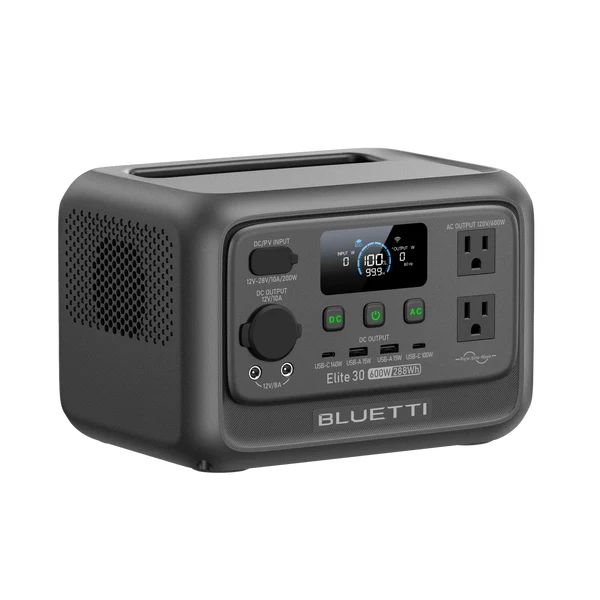
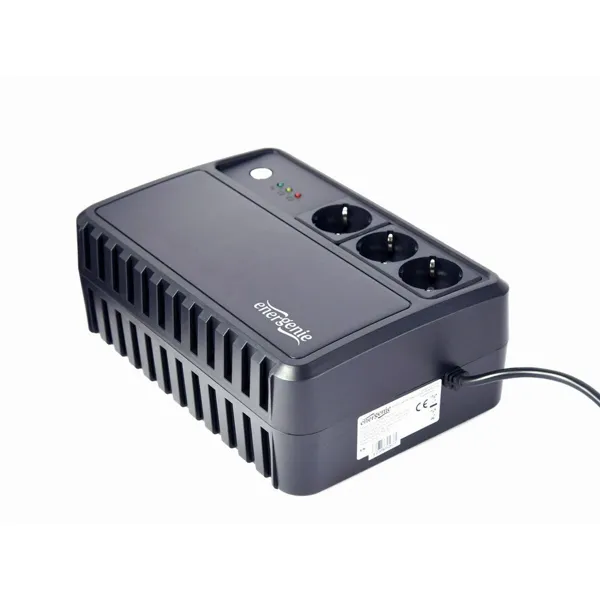
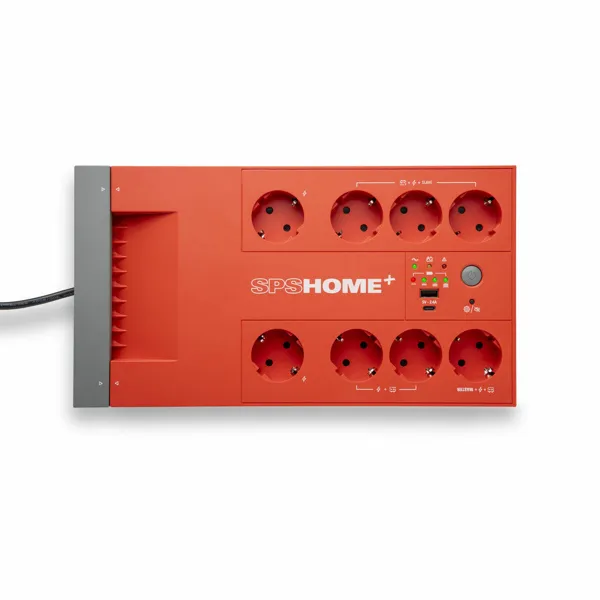
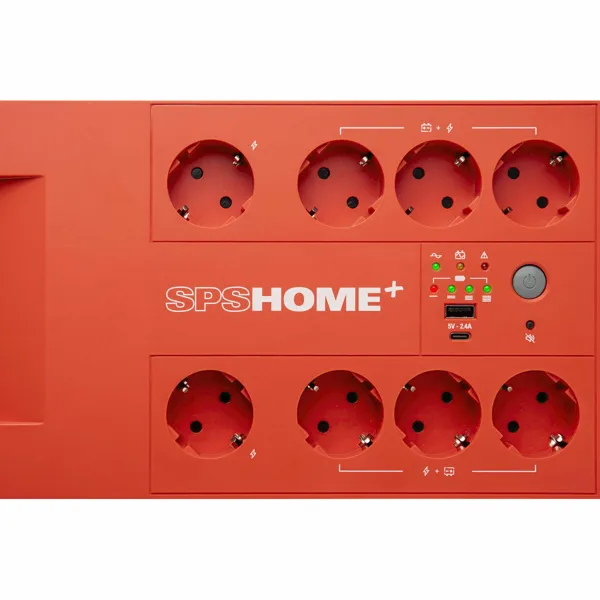
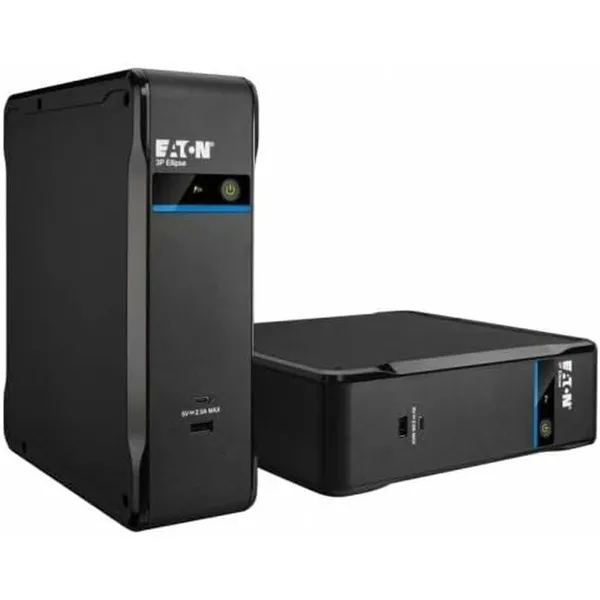
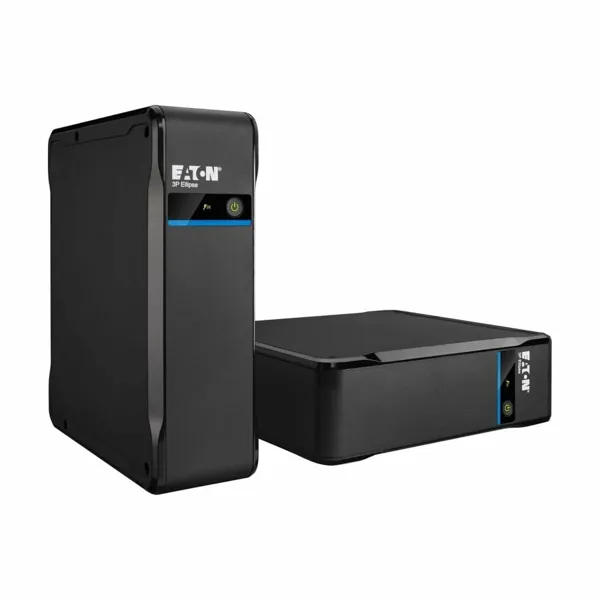
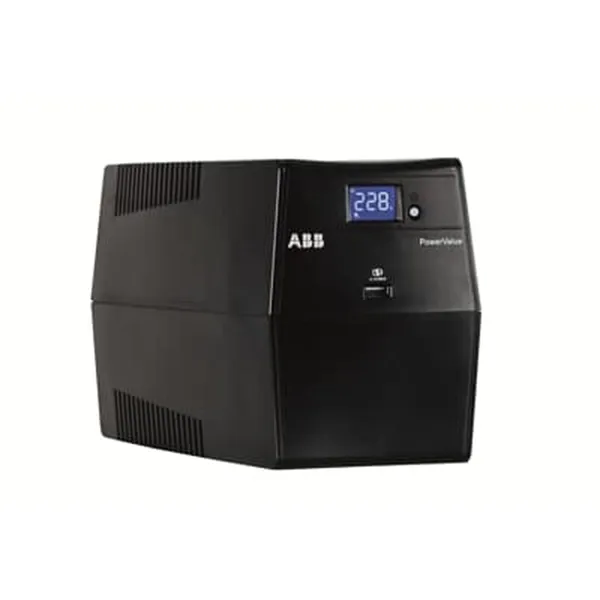
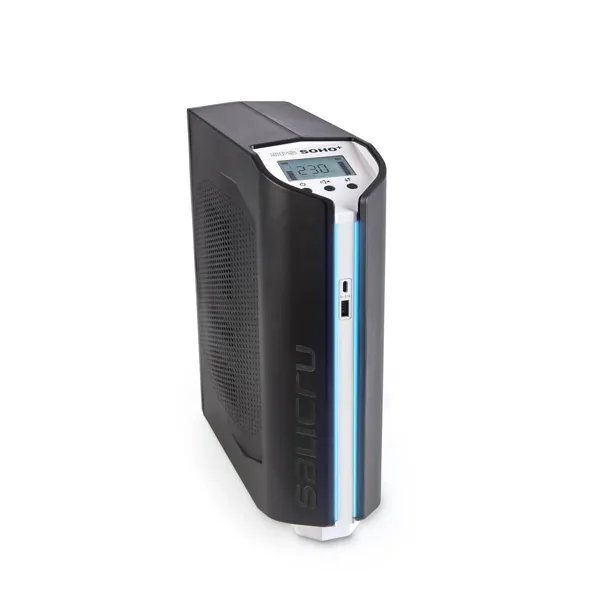
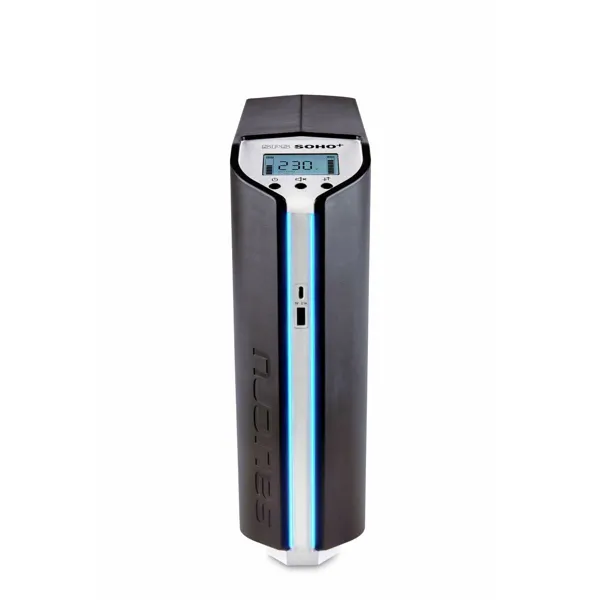
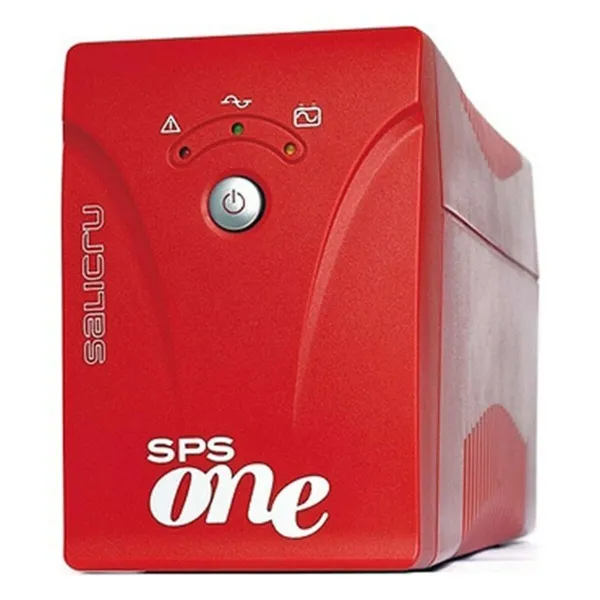
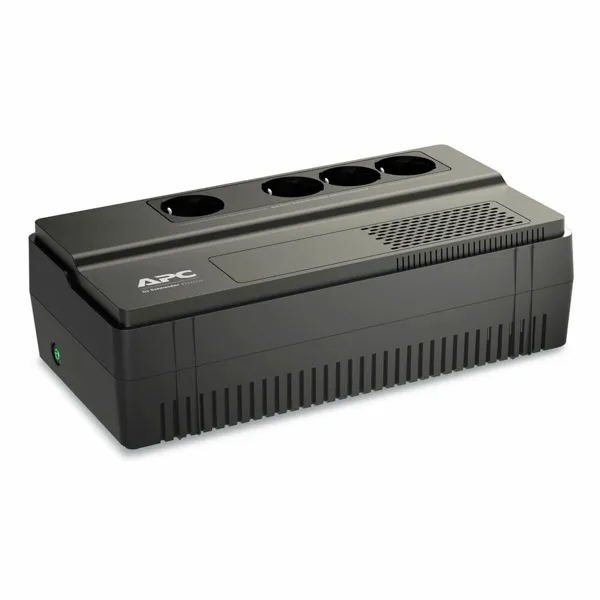
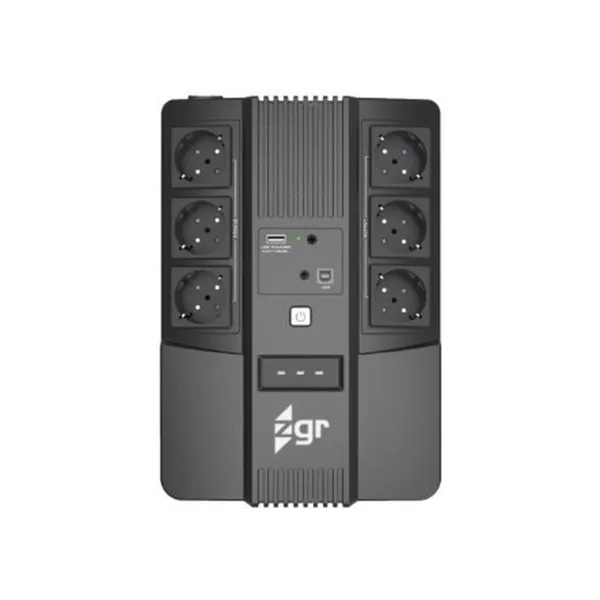
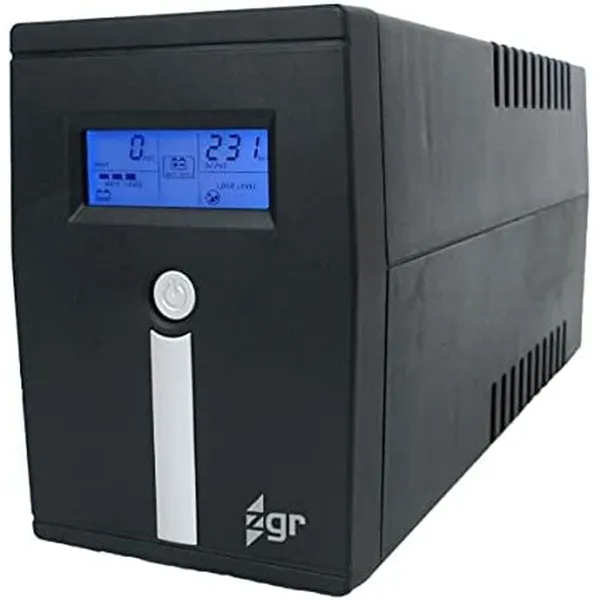
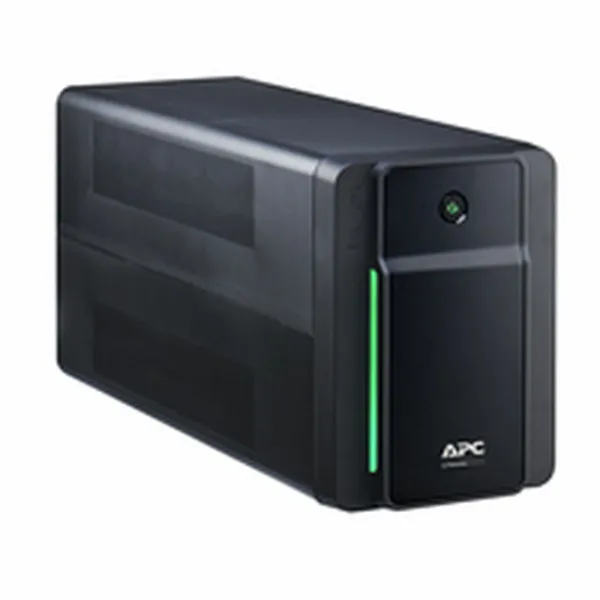
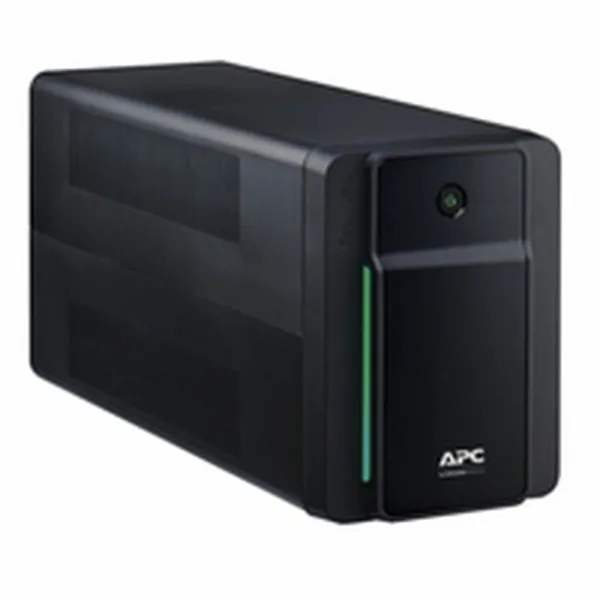
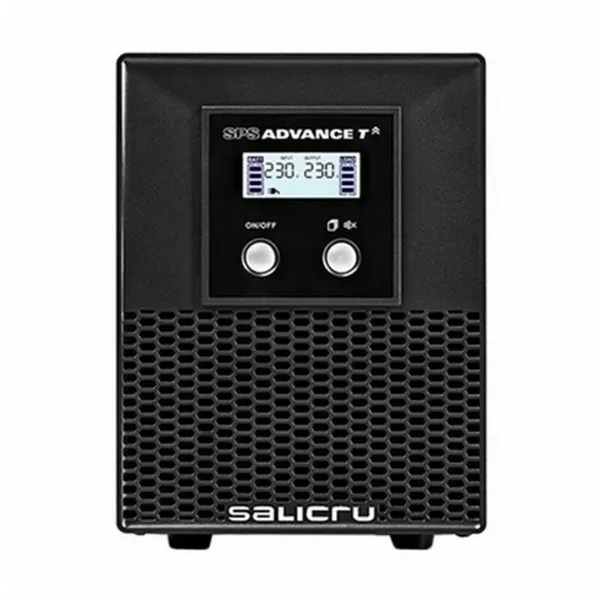
Compare brands of Gaming UPS Backups on size, material, finish and care rather than on name. Brands listed: Salicru, APC, EATON, Zigor and GEMBIRD.
Which material is a good choice for Gaming UPS Backups?
There is no single right material for Gaming UPS Backups: compare weight, feel and care needs, and choose the one that suits how often and where it will be used.
What should I look at first when choosing Gaming UPS Backups?
When choosing Gaming UPS Backups, start with the job in hand, then size, then material and finish; that order rules out the wrong types quickly.